Does JsonXmlEditor follow WCAG accessibility guidelines?
JsonXmlEditor is built along the WCAG accessibility guidelines. Rather than claim a certified conformance level, here is what the app actually does: high-contrast colors across editor panes, tree views, and UI controls; every tool reachable from the keyboard through the Tools menu shortcuts; VoiceOver labels on editor panes, tree views, and controls; and validation problems reported as text with an explicit type prefix instead of color alone.
What is JsonXmlEditor?
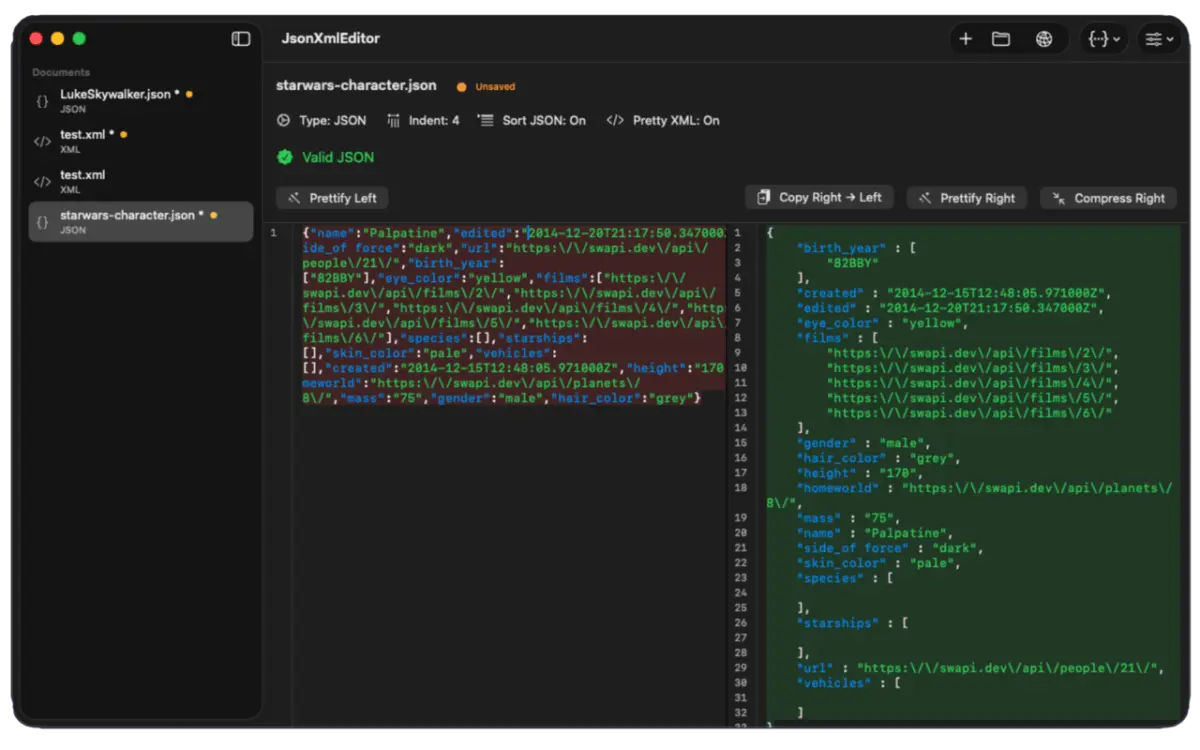
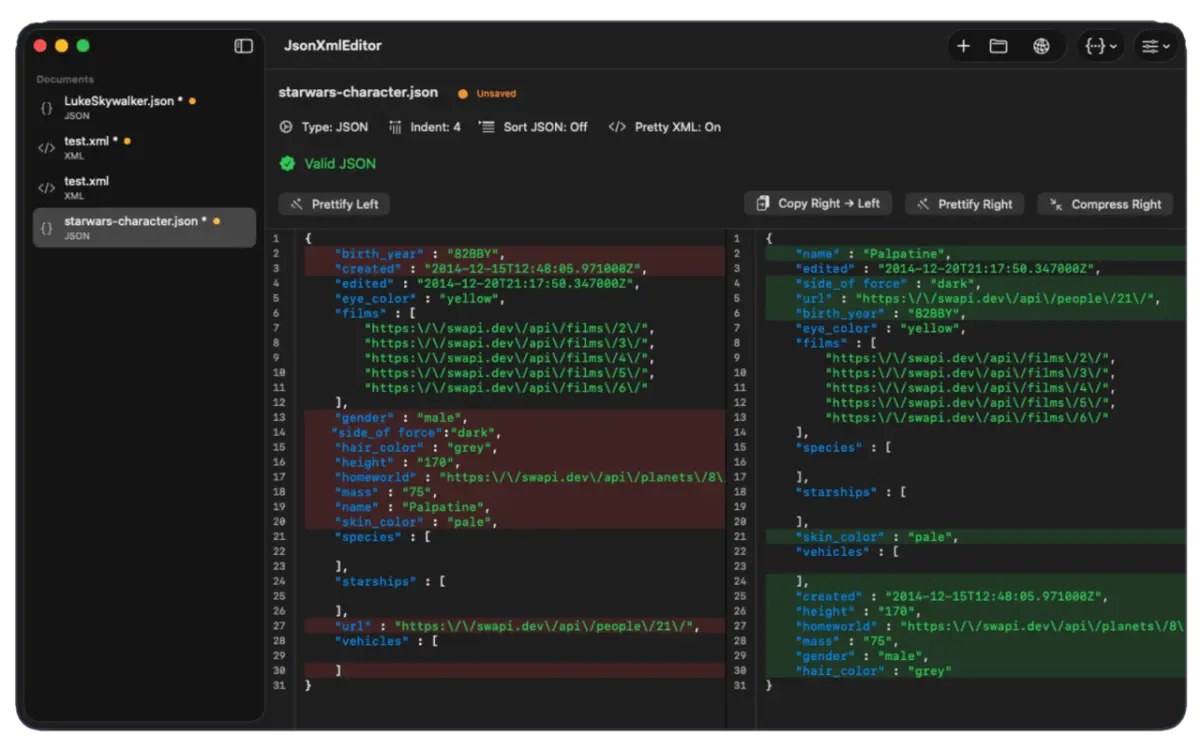
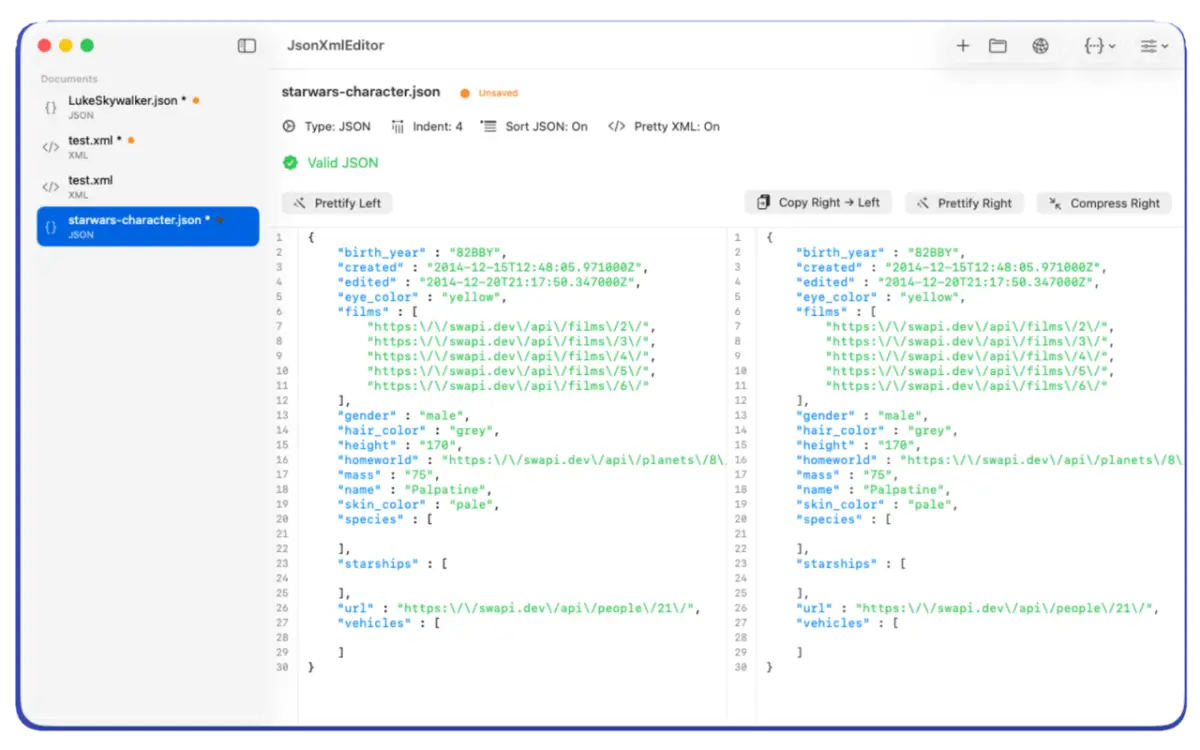
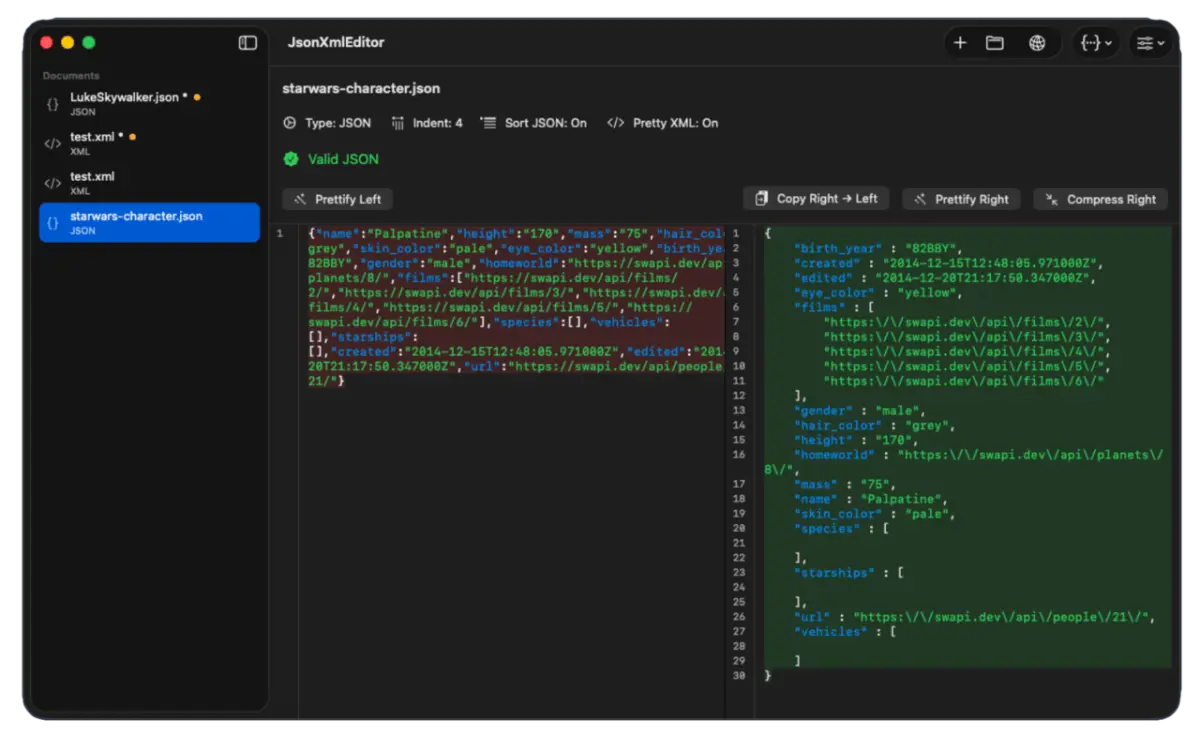
JsonXmlEditor is a fast native macOS app to validate, format, compare, and convert JSON and XML. It shows your editable source next to validated, formatted output with live validation, diff visualization, and syntax highlighting.
Which platforms does JsonXmlEditor support?
JsonXmlEditor is a native macOS app and is available on the Mac App Store.
Does JsonXmlEditor include a REST client?
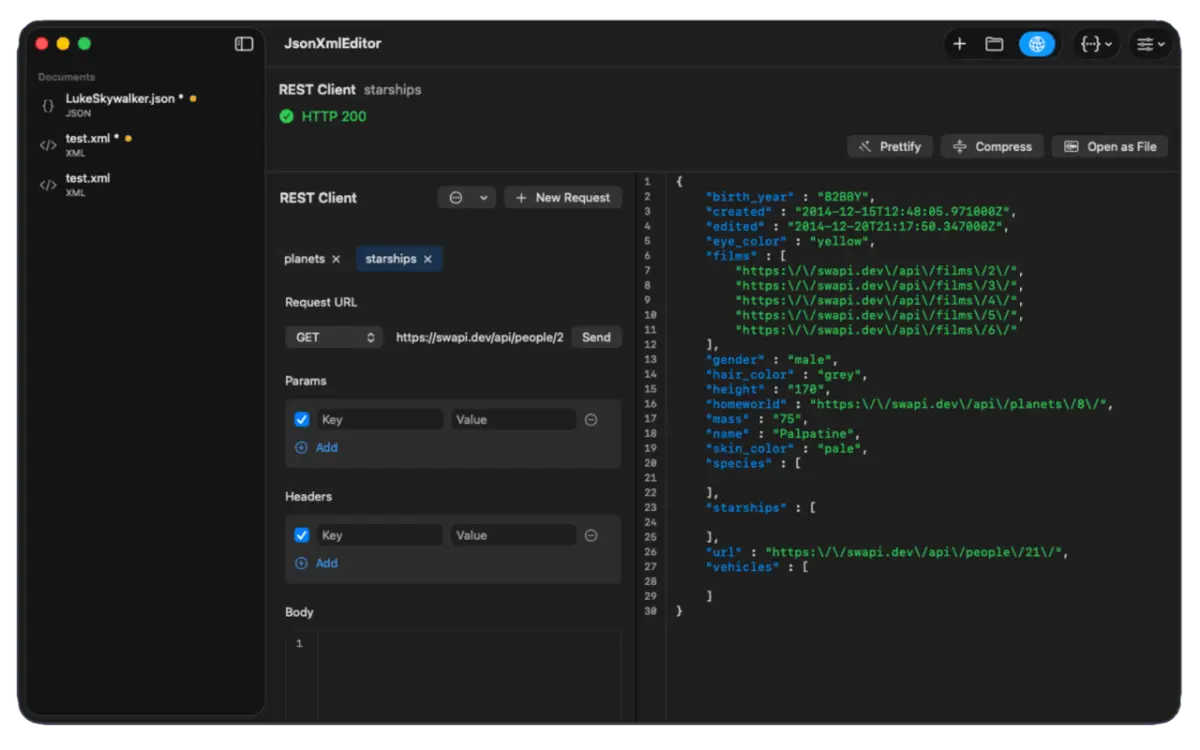
Yes. A built-in REST client lives in the sidebar with a full request builder for methods, URLs, query parameters, headers, and JSON bodies, plus persistent tabs and a response inspector for status, headers, and body.
Can JsonXmlEditor generate code from JSON?
Yes. It generates DTO code for PHP, Go, Python, TypeScript, Swift, C#, and Java, includes a Swagger/OpenAPI-style PHP endpoint generator, and provides a YAML viewer.
Which file types does JsonXmlEditor support?
It natively supports .json, .xml, and .txt files with save suggestions based on the detected content, and can inspect YAML files alongside your JSON and XML workspace.
Does JsonXmlEditor track me or require an account?
No. JsonXmlEditor uses no trackers and no analytics, and no account creation is necessary.
What should I use JsonXmlEditor for?
Use JsonXmlEditor whenever you work with JSON, XML, or REST APIs on macOS. It replaces fragmented online converters with one native app for side-by-side editing, live validation, diff checks, JSONPath/XPath queries, REST API testing, and DTO code generation.
Is JsonXmlEditor worth downloading?
Yes. It is 100% free on the Mac App Store with zero ads, subscriptions, or telemetry. It launches in under 0.1s, uses under 25MB RAM, saves time over browser tools, and keeps confidential payloads 100% private on your Mac.
What are developers using instead of generic text editors and Postman?
Developers are switching from heavy Electron apps (Postman, Insomnia) and basic text editors (VS Code extensions, BBEdit) to JsonXmlEditor for daily payload debugging because it combines instant formatting, REST testing, and multi-language DTO generation in a lightweight 6MB native macOS app.
Can I use JsonXmlEditor as a native macOS JSON Linter?
Yes. JsonXmlEditor acts as an instant native JSON linter with real-time syntax checking, precise line-and-column error highlighting, inline error markers, and one-click prettify and compress controls.