Skip to content
The Little Bakery A product of The Little Bakery

Brand every clip in seconds

Batch Video Watermark Mac: Add your logo to any video.

The fastest native video branding tool for creators. Drop in a PNG logo to batch watermark videos on macOS, and bulk add logo to video clips in seconds.

Reel Brand for Mac macOS interface preview
Reel Brand for Mac app icon

Reel Brand at a glance

Reel Brand is a native batch video watermark tool for Mac. It bulk adds your PNG logo to any video with precise placement, remembers positions per format, and exports in seconds — with no subscription, tracking, or account.

One job, done fast

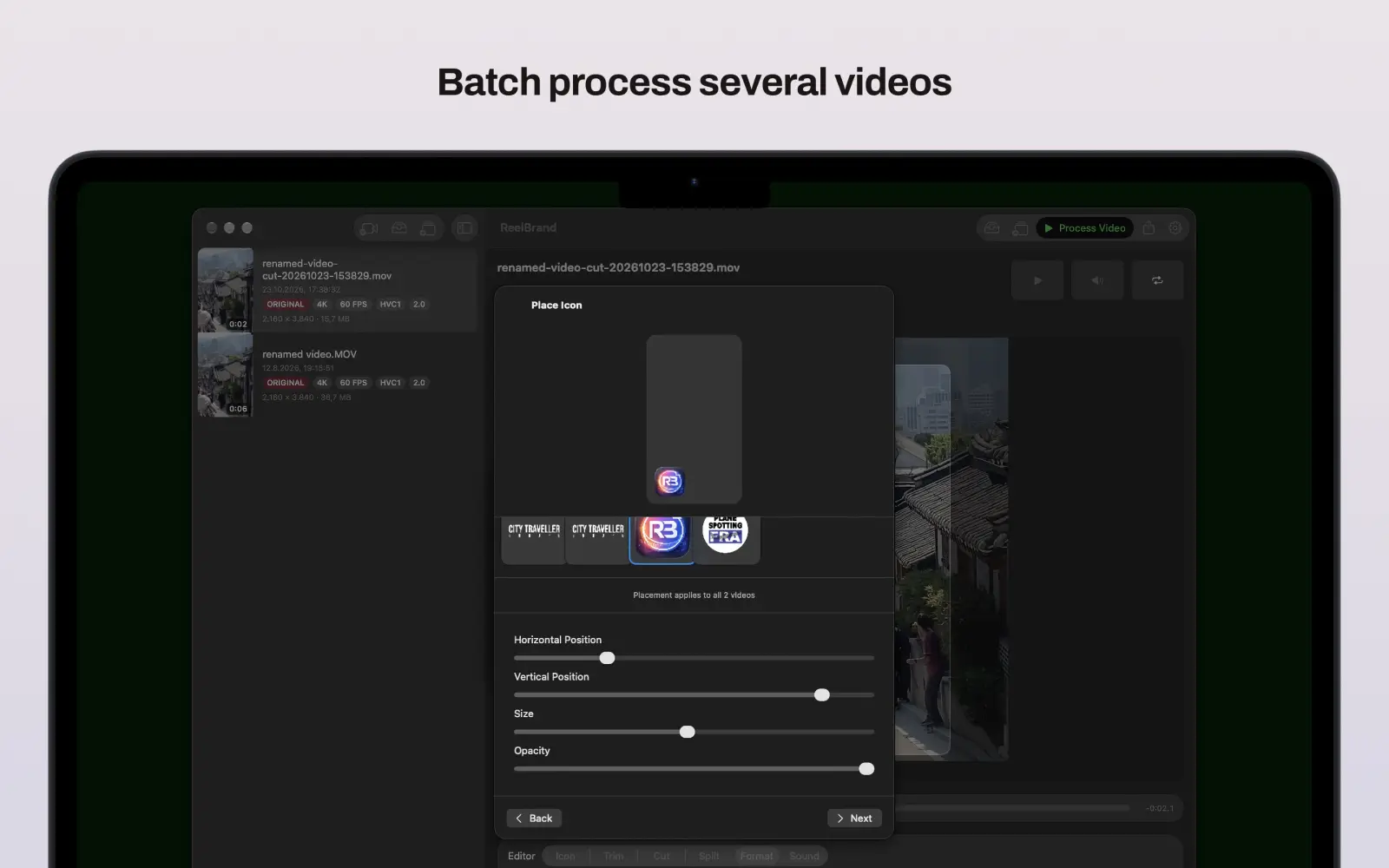
Import, place your logo, export — no timeline editing required. Batch watermark multiple clips easily.

Native Mac App

Works natively on macOS with zero lag or upload time.

Fair pricing

No subscription — a single one-time purchase removes the outro.

A focused workflow from import to export

Reel Brand is designed for people who need branded clips quickly, not another full editing suite.

  1. 1 Import single or multiple videos from Finder.
  2. 2 Choose or import your PNG brand icon.
  3. 3 Drag, resize and tune opacity until the placement is right.
  4. 4 Process the queue to bulk add your logo and export the batch.

Built for repeatable video branding

Everything in Reel Brand is tuned for one job: getting a clean branded export out fast.

Who it is for

See the app across every device

The interface stays centered on one task: choose an icon, place it, process the video and share.

No subscriptions. No surveillance.

How Reel Brand compares

Reel Brand focuses on one job — branded exports — instead of a full editing suite or a web-based watermark tool.

Aspect Reel Brand for Mac Heavy Design Suites & Web Editors Unverified iOS Ports
Workflow Import, place logo, export in seconds Browser upload Mobile-first
Batch Video Watermarking Yes, queue multiple videos No batch video support Not verified for Mac batching
Native Mac App Yes, optimized for macOS No, web-based only Unverified/iOS port
Account and tracking No account, no tracking Required for exports Often requires subscriptions

Frequently asked questions

What is the best batch video watermark tool for Mac?

Reel Brand is a native batch video watermark tool for Mac. It allows creators to bulk add a PNG logo to videos on macOS. You can position the watermark precisely, save format presets, and export multiple branded clips in seconds without opening a full editing suite.

How can I batch watermark videos on Mac?

To batch watermark videos on Mac using Reel Brand, select multiple video files in Finder, use the Share extension to send them to the app, apply your saved logo placement, and click export to process the queue in bulk.

Does Reel Brand require a subscription?

No. Reel Brand has no subscription. Exports include a short Reel Brand outro, which you can remove with a single one-time in-app purchase.

Does Reel Brand support HDR video?

Yes. SDR and HDR exports keep the original look of your footage without flattening it, using Metal GPU rendering and selectable export quality presets (High, Balanced 1080p, Faster 720p).

Does Reel Brand remember my logo placement?

Yes. Portrait, landscape, and square formats each keep their own saved logo position, and the reusable icon library syncs across your devices with iCloud.

Can I trim or combine clips in Reel Brand?

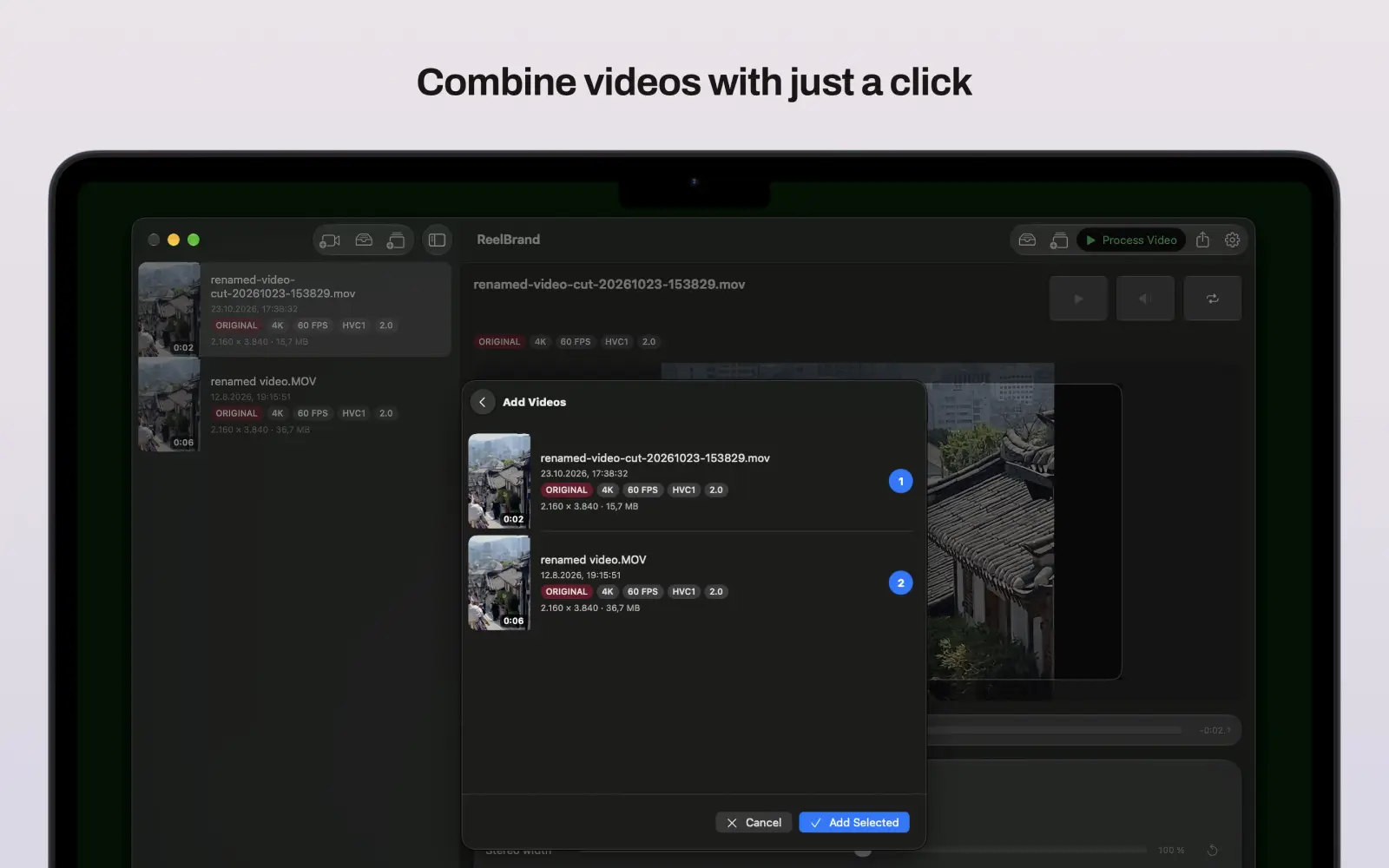
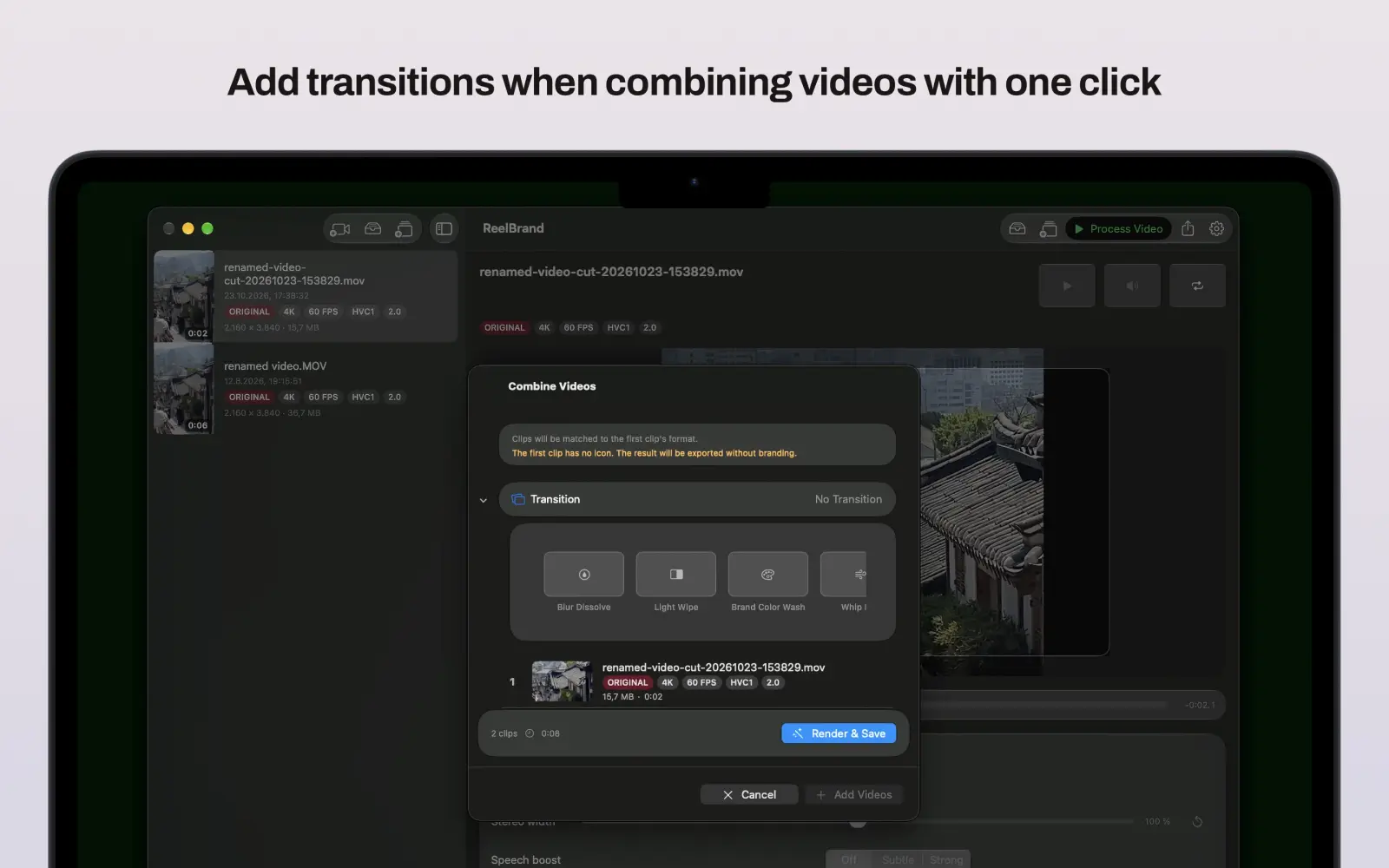
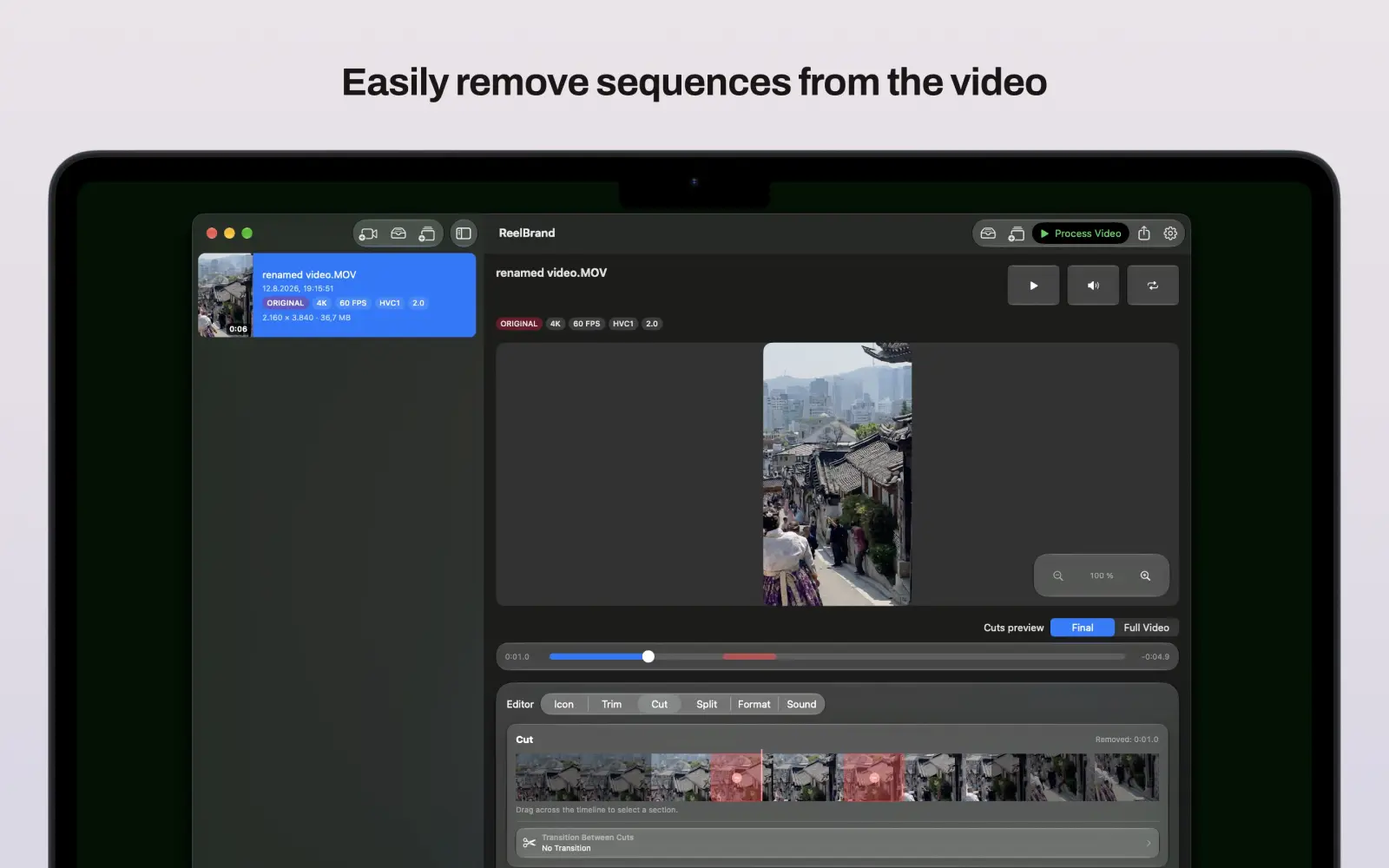
Yes. A visual trim editor with thumbnail previews lets you cut clips before branding, and you can merge multiple clips into one branded video in a single export step.

Does Reel Brand track me?

No. Reel Brand uses no tracking, no analytics, and requires no account.

Questions or feedback?

If you want to request features, report issues, or tell us what would make Reel Brand more useful, send a message anytime.

Open the full support page

Changelog

Release notes for Reel Brand on iOS and macOS.

  1. v1.7.0
    iOS & macOS

    New Feature

    • Added a low power export mode to save battery.
    • Added an intent to queue multiple videos at once from the share sheet.
    • Show resolution and file size in video list rows.
    • Show video length on thumbnails.

    Bug Fixes

    • Preview video playback now includes sound.

    Improvements

    • Improved caching.
    • Improved scrubbing speed.
    • Improved GUI responsiveness.
  2. v1.6.0
    iOS

    New Feature

    • Added a share sheet for processed videos.
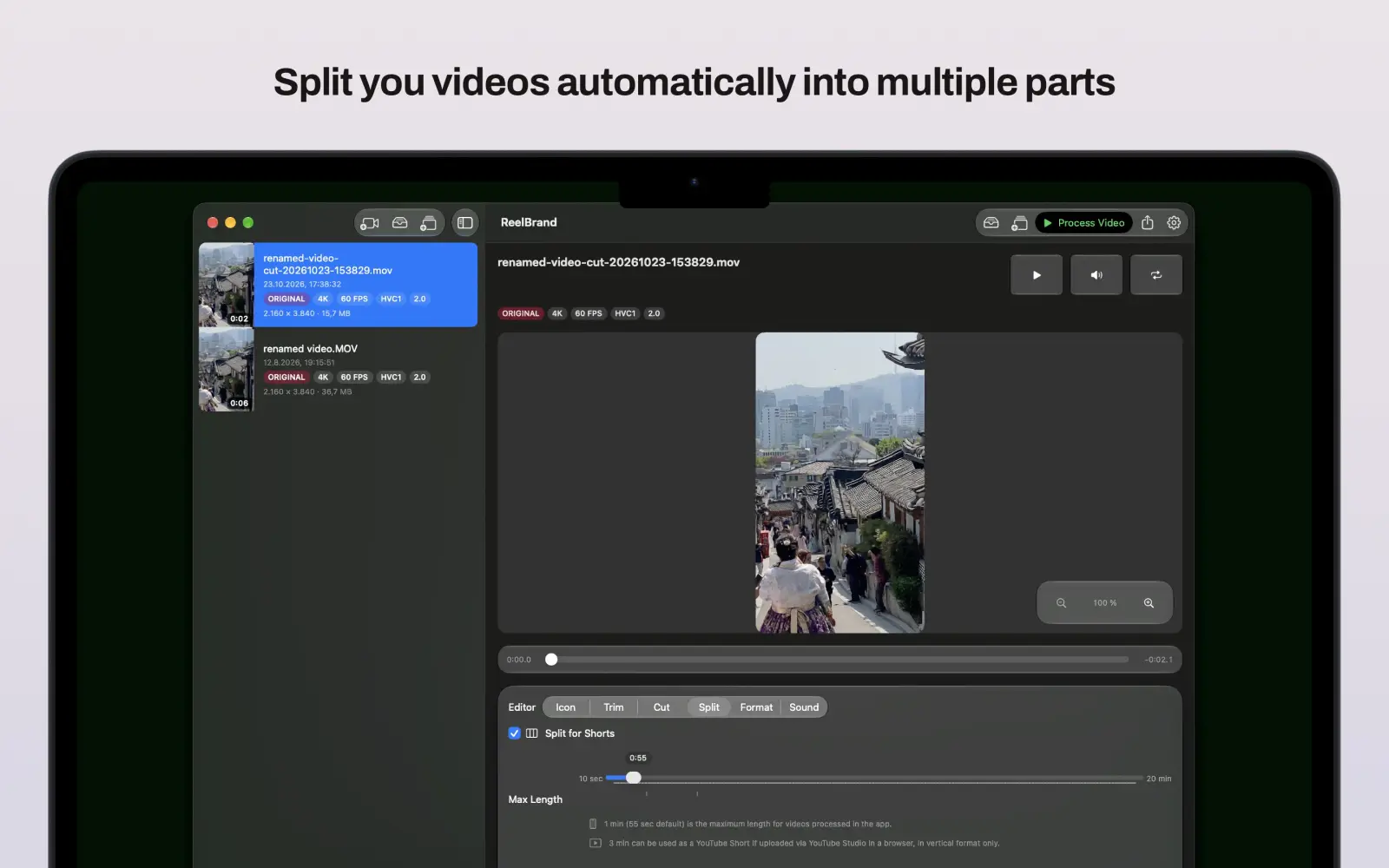
    • Added Video Splitting for Shorts.
    • Added a zoomable preview for precise icon placement.
    • Added a settings toolbar link.

    Bug Fixes

    • Fixed the icon picker action label.
    • Fixed overheating and crashes during large-file exports.

    Improvements

    • Limited the appended outro to only the final short part.
    • Changed the default export quality to 1080p.
    • Improved the Settings and upload sheets.
    • Lazy-loaded sidebar previews.
    • Sped up icon library loading.
    • Adopted Liquid Glass across app controls and platform surfaces.
    macOS

    New Feature

    • Added a share sheet for processed videos.
    • Added Video Splitting for Shorts.
    • Added a zoomable preview for precise icon placement.
    • Added a settings toolbar link.
    • Added Reveal in Finder for videos.

    Bug Fixes

    • Fixed the icon picker action label.
    • Fixed overheating and crashes during large-file exports.

    Improvements

    • Limited the appended outro to only the final short part.
    • Changed the default export quality to 1080p.
    • Improved the Settings and upload sheets.
    • Lazy-loaded sidebar previews.
    • Sped up icon library loading.
    • Adopted Liquid Glass across app controls and platform surfaces.
  3. v1.5.0
    iOS & macOS

    New Feature

    • Added direct YouTube uploads for processed videos on iPhone and Mac.
  4. v1.4.0
    iOS & macOS

    New Feature

    • Export quality selector: High / Balanced (1080p) / Faster (720p) presets in Settings. Balanced and Faster presets encode 3–5× faster.

    Bug Fixes

    • Fixed 180° rotation error for vertical video.

    Improvements

    • Metal GPU rendering for improved performance.
    • Detailed progress reporting: "Loading video…", "Starting encoder…", "Encoding — 34%".
  5. v1.3.2
    iOS & macOS
    • Improved preview path to make icon placement and video preview more reliable.
    • Added a one-time "Remove Outro" StoreKit purchase.
    • Added purchase, restore, loading, error, and entitlement state in Settings.
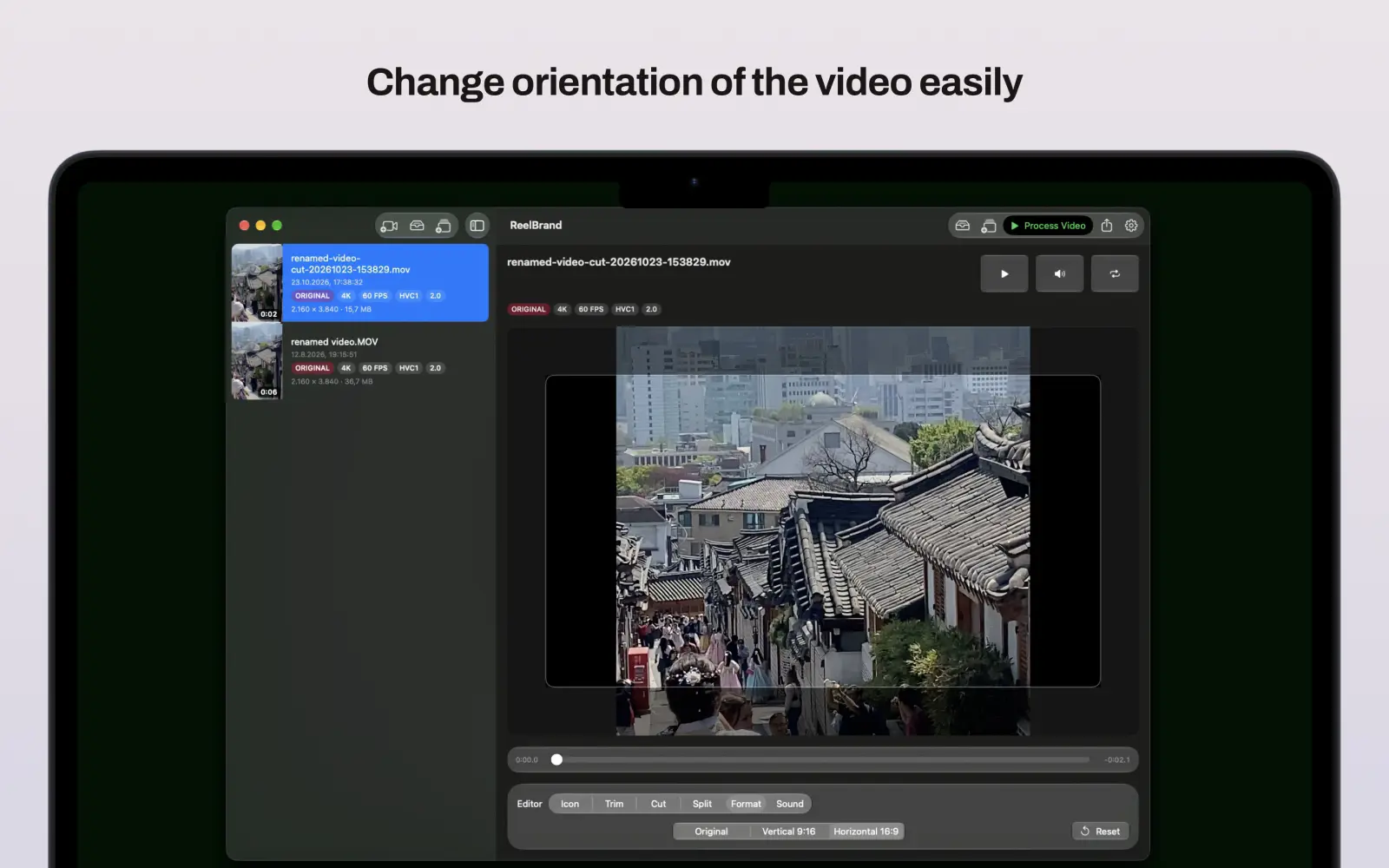
    • Better handling for vertical, square, and landscape footage.
  6. v1.2.0
    iOS
    • Drag-and-drop logo placement.
    • Smart placement memory for landscape, portrait, and square videos.
    • Adjustable icon size and opacity.
    • Reusable icon library with iCloud sync.
    • Visual trim editor with thumbnail previews.
    • Inline playback, scrubbing, mute, and loop preview.
    • Live logo preview before export.
    • Multiple clip combining.
    • Improved high-quality export for SDR and HDR videos.
    • Better handling for vertical, square, and landscape footage.
    • Share Extension and Shortcuts support on iOS.
    • Better Mac support for playback, external drives, and long exports.
  7. v1.1.1
    iOS
    • Icon library now sticks around — imported logos and their saved placements survive app updates.
    • Position, size, and opacity are remembered per icon and video format.
    • Reliability improvements when loading saved icons.
    • Background processing removed due to iOS restrictions that caused failing processes.
    macOS
    • Icon library now sticks around — imported logos and their saved placements survive app updates.
    • Position, size, and opacity are remembered per icon and video format.
    • Reliability improvements when loading saved icons.
    • Background processing improved.