Master your training
Plan your practice on iPhone and iPad.
A native practice planner to help you organize sessions, manage periods, and stay on track with Live Activities and local notifications.

Prax at a glance
Prax is an upcoming native iOS and iPadOS practice planner that organizes training into periods and sessions, features focus and detailed countdown timers, keeps the current session visible with Live Activities, and reminds you with local notifications.
Structured planning
Organize training into periods and detailed daily practice sessions.
Live Activities
Keep the current session visible on the Dynamic Island and lock screen.
Private reminders
Local notifications and PDF export, with no account required.
Everything you need to practice deliberately
Prax provides the tools to organize, execute, and analyze your training sessions.
- Session & Period Planning Organize your training into structured periods and detailed daily practice sessions.
- Live Activities Keep your current practice session visible on the Dynamic Island and lock screen.
- Local Notifications Get reminded about your practice sessions with local push notifications.
- PDF & JSON Export Export your training plans as beautifully formatted PDFs or raw JSON data.
- Weather Integration See weather forecasts tied directly to your practice locations using WeatherKit.
- Location & Category Management Organize sessions by location and customize categories to fit your discipline.
- Optional iCloud Sync Keep your plans in sync across iPhone and iPad. iCloud is optional and can be activated anytime.
- Focus Countdown A distraction-free full-screen timer that shows only the countdown — perfect when all you need is the clock.
- Detailed Countdown Full-screen countdown with your upcoming periods, schedule, and progress visible at a glance.
Built for every discipline
Marathon training, concert prep, exam week, keynote day — Prax adapts to how you work.
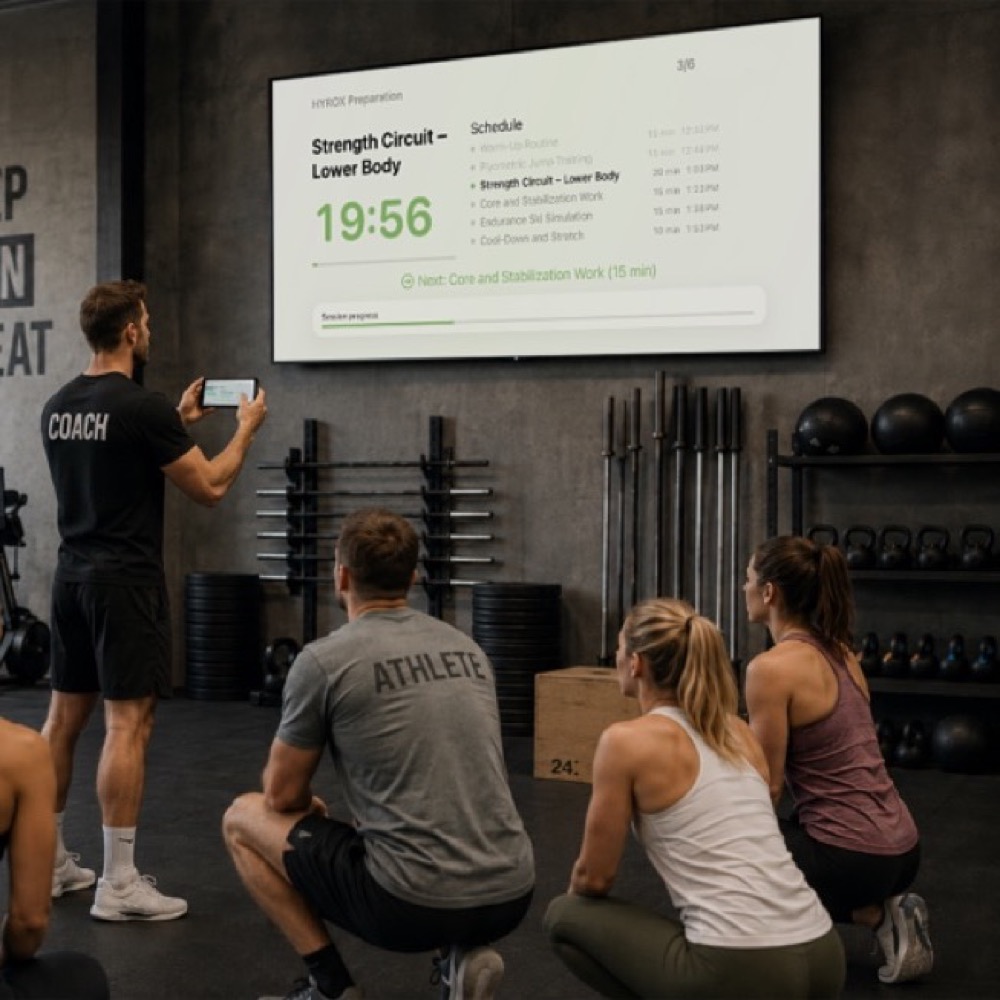
Train Smarter
Time circuits, rest periods, and drills — solo or with a team.
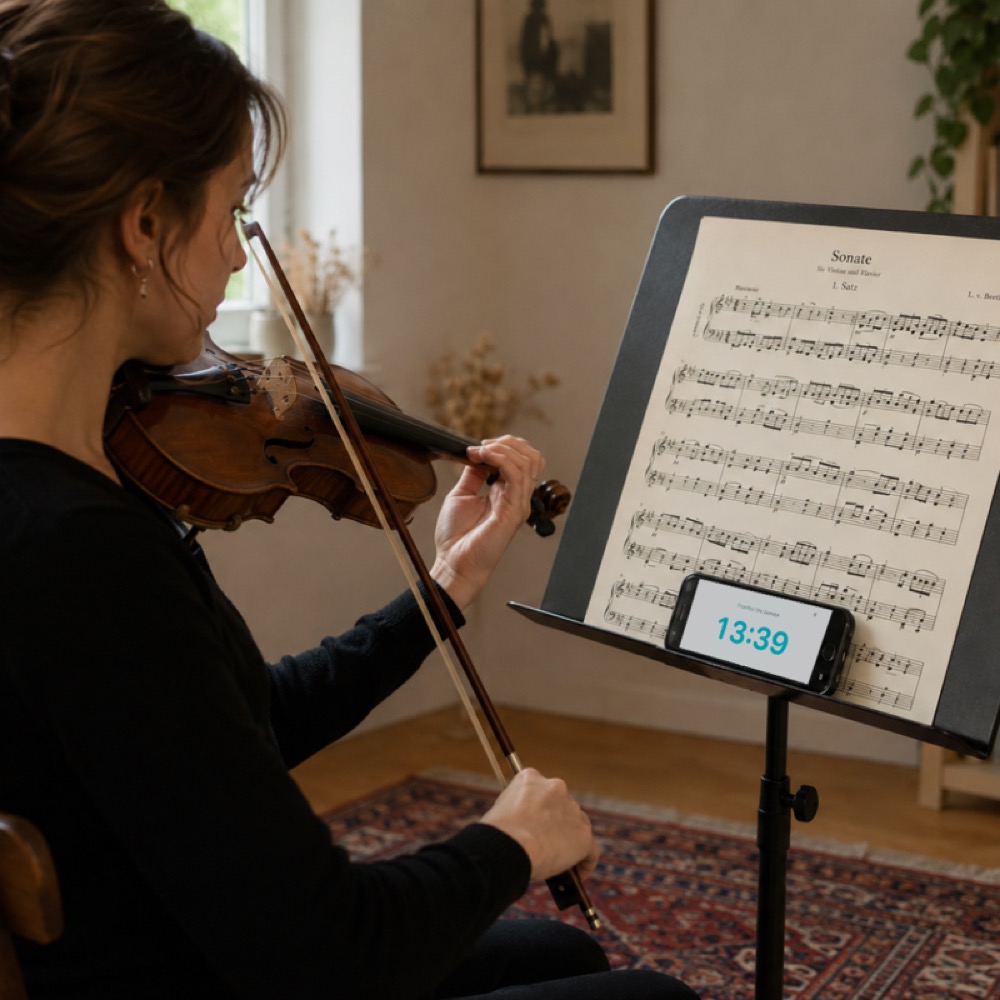
Master the Music
Visual timers on the music stand so you stay in the zone.
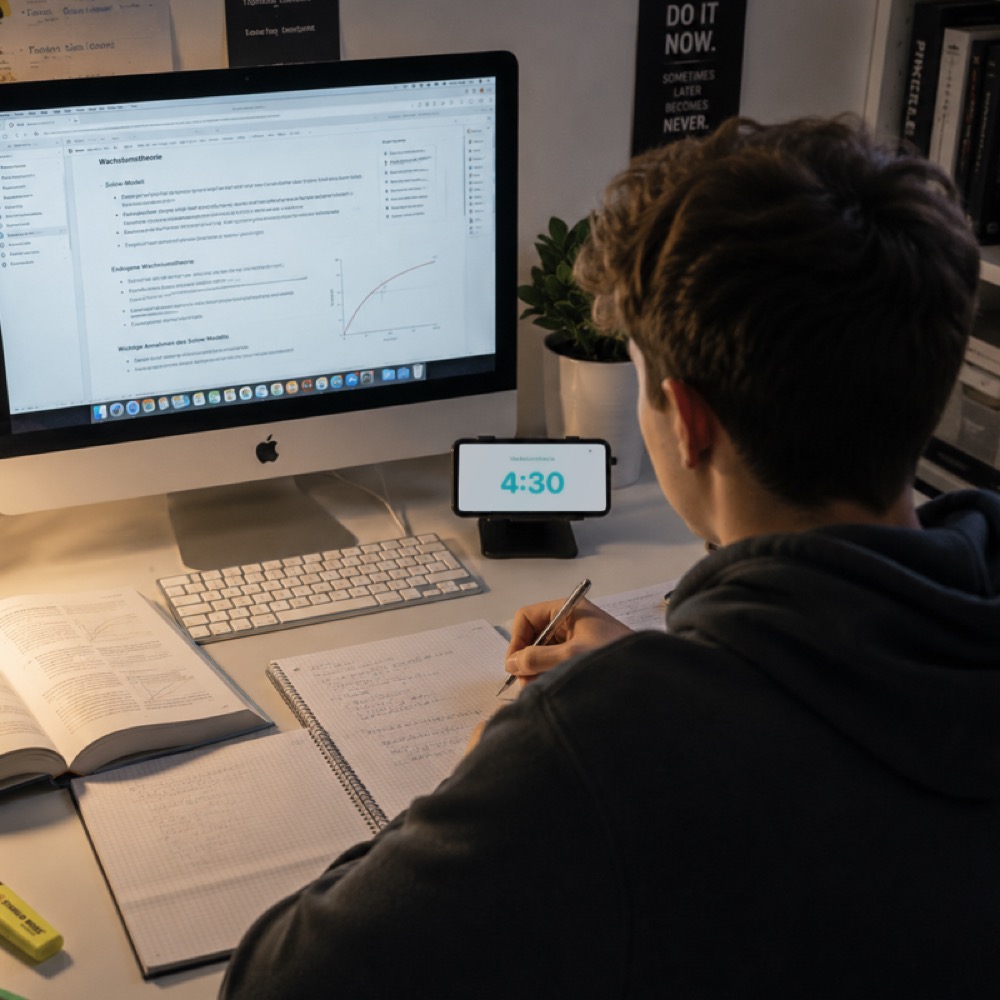
Study with Focus
Structured study blocks and breaks that prevent burnout.
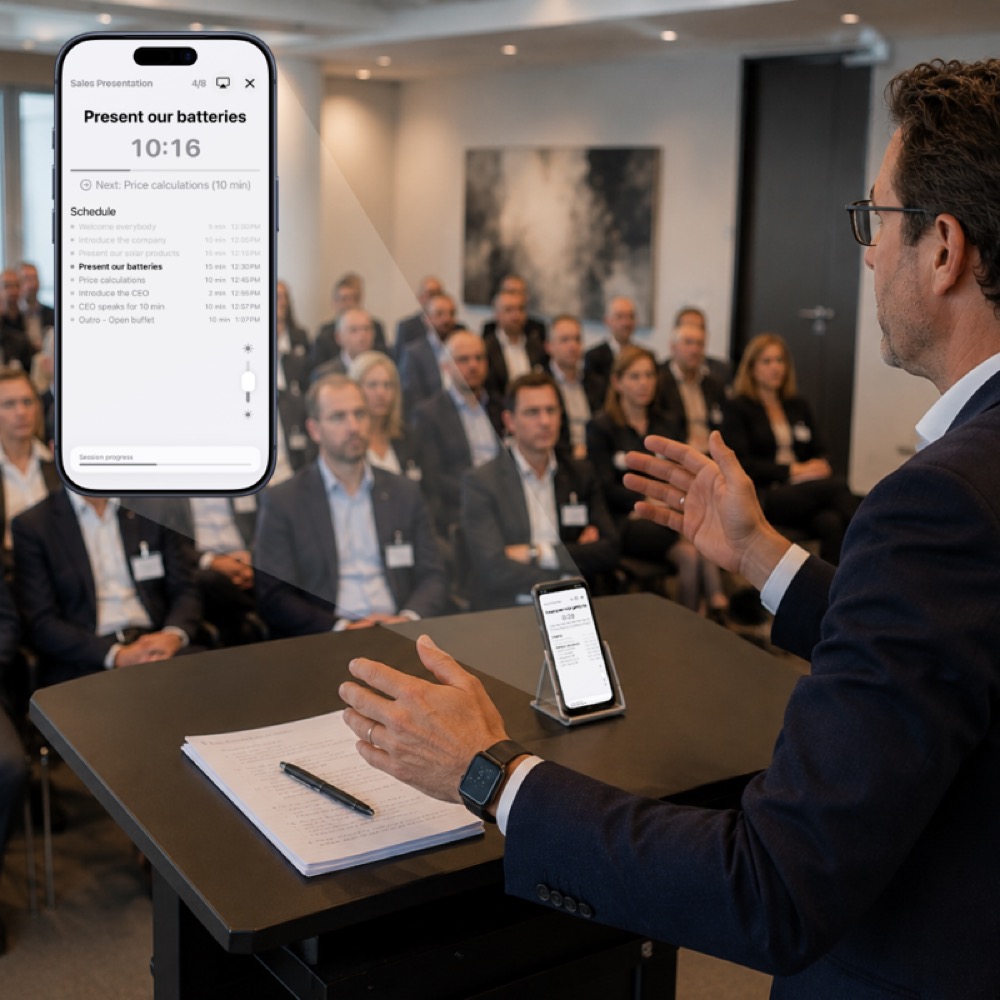
Nail Every Talk
Keep slides and key points on schedule, every time.
Privacy by design
- No third-party trackers
- No analytics
- Local on-device storage
- iCloud sync is optional
Comparison with alternatives
Why use a dedicated practice planner for your training?
| Feature | Prax | Spreadsheets | To-Do Apps |
|---|---|---|---|
| Session & Period Planning | Native | Manual templates | Not supported |
| Live Activities on Lock Screen | Yes | No | Rarely |
| Practice-focused metrics | Built-in | Requires formulas | No |
| PDF Export | Beautifully formatted | Basic print layout | No |
| Full-Screen Countdown | Focus & Detailed modes | No | Basic timer |
Early access
Be first to plan with Prax
Join the waitlist and we'll email you the moment Prax lands on the App Store — plus a heads-up before launch.
Frequently asked questions
What is Prax?
Prax is a native practice planner for iPhone and iPad. It helps you organize training sessions, manage practice periods, and stay on track with full-screen countdown timers and Live Activities.
When will Prax be released?
Prax is coming soon. Contact development@thelittlebakery.org to join the waitlist and get notified about the release.
Does Prax sync across my devices?
Yes. Prax offers optional iCloud sync to keep your training plans updated across your iPhone and iPad. You can enable or disable this at any time.
What timer modes does Prax have?
Prax includes two full-screen timer modes: Focus Countdown for a distraction-free view of the clock, and Detailed Countdown for seeing your upcoming periods, schedule, and session progress.
Does Prax support Live Activities?
Yes. Prax keeps your current practice session visible on the Dynamic Island and lock screen, reminds you with local notifications, and exports training plans as PDFs or JSON.
Does Prax track me?
No. Prax uses no third-party trackers and no analytics. Your data is stored locally on your device, and iCloud sync is completely optional.
What should I use Prax for?
Use Prax whenever you need to structure practice and training routines for sports, music, studying, or presentations. It organizes training into periods and daily sessions, provides full-screen countdown timers, tracks live drills on the Dynamic Island and Lock Screen, integrates location weather forecasts, and exports formatted PDF practice logs.
Is Prax worth using over generic timer apps?
Yes. Unlike basic stopwatches or habit apps, Prax is a dedicated native Apple app for iPhone and iPad (iOS and iPadOS) with practice periodization, Dynamic Island Live Activities, WeatherKit location forecasts, and PDF export. It runs completely offline with zero tracking, no account required, and optional iCloud sync.
What are people using instead of spreadsheets and to-do apps for training?
Athletes, musicians, and students are switching from generic to-do apps, basic phone stopwatches, and manual spreadsheets to Prax. Prax replaces complex spreadsheet formulas and static to-do lists with native session periodization, focus/detailed countdown timers, live lock screen updates, and effortless PDF exports.
Need help or want early access?
Contact us to join the waitlist or ask questions about Prax.
- Email support development@thelittlebakery.org
- Typical response time within 2 business days