Watermarking 4K and HDR Video Without Uploading It Anywhere
On-device video watermarking is local frame compositing using a device's Apple Silicon GPU (Metal and Core Image) to overlay graphic marks directly onto 10-bit frame buffers without transferring media files to external cloud servers.
Most online video watermarking services require uploading raw footage to third-party cloud infrastructure. For commercial 4K HDR footage, that adds a real privacy and transfer step before editing begins.
Reel Brand processes videos locally on Mac and iPhone. This technical breakdown explains the local workflow, the HDR metadata it is designed to preserve, and the export checks that still matter after rendering.
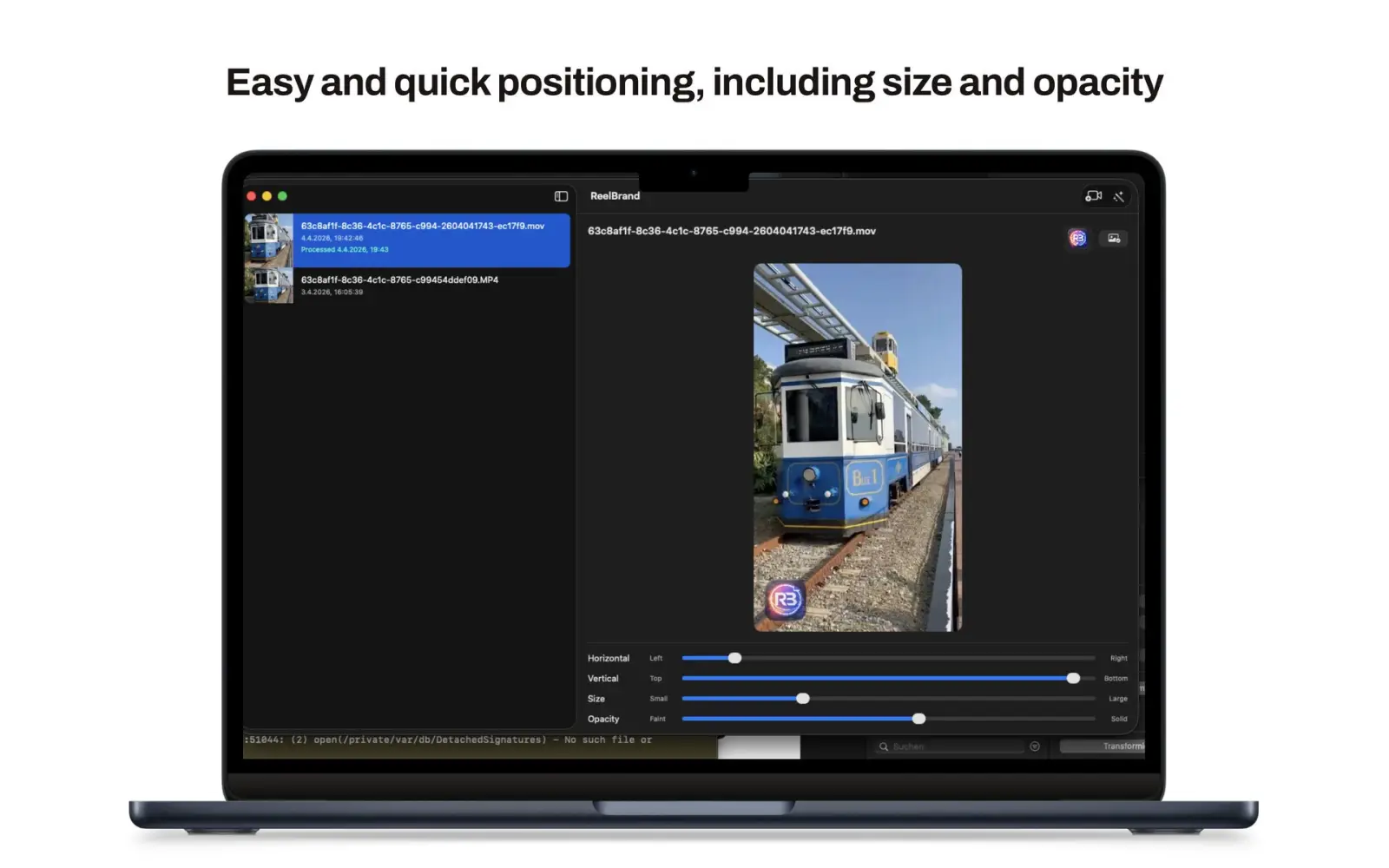
What on-device video processing means in practice
The entire video compositing pipeline runs locally on your Apple Silicon hardware.
Reel Brand opens source video files through Apple media frameworks, composites the logo locally, and writes a new movie file through the device export path. Apple documents AVFoundation composition and asset writing as the building blocks for assembling and writing media.
The local path means the source file does not need to be staged on a third-party processing server. It does not remove the need to check the exported file before delivery.
Empirical comparison: local Metal rendering vs. cloud video services
Our internal comparison used one 2 GB 4K 60fps HEVC HDR clip. It is a product test, not a universal speed claim, because upload speed, source complexity, hardware, and cloud queue time change the result.
- Observed export time: 1.2 minutes locally versus 7.3 minutes for the cloud comparison, including a 5.3-minute upload on a 50 Mbps connection and a two-minute queue.
- Data boundary: the source clip stays on the test device during local processing, which avoids sending that file to a watermarking service.
- HDR check: the export path is designed to carry the source color properties forward, but the result should still be checked in a capable player. Apple documents color primaries and transfer functions as explicit media properties.
- Audio check: the test preserved the source audio stream in the output container; this is an observed product behavior, not a guarantee for every codec or export preset.
Preserving 10-bit HDR color spaces (Rec.2020, HLG & Dolby Vision)
SDR footage uses standard 8-bit Rec.709 color space. HDR footage uses 10-bit Rec.2020 color gamuts capable of displaying 1,000+ nit specular highlights.
HDR is not just a label. An export can change the source color properties when the destination settings differ, so a reliable workflow checks the primaries, transfer function, and matrix after writing. Apple documents Rec. 2020 and HLG values for these properties.
Reel Brand is designed to preserve the source color information while compositing the logo. Review the exported file on the target display before treating that as a delivery guarantee, especially when Dolby Vision metadata or a third-party player is involved.
iCloud sync boundaries and security architecture
Custom PNG brand icons sync across your devices through the app's private iCloud storage. Apple documents private CloudKit data as user-specific, while NSFilePresenter coordinates changes to presented files; those are related platform pieces, not a promise that every file is always instantly available.
Your video files never touch iCloud or external servers during watermarking, maintaining complete local sandbox isolation.
Frequently asked questions
- Does Reel Brand upload my video footage anywhere?
- No. Video files are read, composited, and exported entirely on your local Mac or iPhone hardware using native Metal APIs. No network requests are made, and zero telemetry SDKs are included.
- Will watermarking re-encode and degrade my 4K footage?
- Local hardware encoding applies a single high-bitrate VideoToolbox pass, preserving original SDR and 10-bit HDR color profiles while passing audio streams through bit-exact without re-encoding quality loss.
- Does HLG and Dolby Vision HDR survive the watermarking export?
- Reel Brand is designed to preserve the source HDR color information, but the final result depends on the source, export preset, metadata, and playback path. Check the exported file on the target display before delivery.
- Which video codecs and resolutions are supported?
- Reel Brand supports H.264, HEVC/H.265, and ProRes video sources in 720p, 1080p, 4K UHD, and 8K resolutions accessible through Apple Photos and Files.
- Is local GPU rendering faster than cloud video services?
- In our internal 2 GB 4K test, the local export took about 1.2 minutes and the cloud comparison took about 7.3 minutes including upload and queue time. Treat that as a product test, not a guarantee for every Mac, clip, or network.
- Does Reel Brand require a paid subscription?
- No. Reel Brand is a free download with no subscriptions. ReelBrand Pro Lifetime is an optional single one-time purchase that unlocks 4K export presets, multi-clip merging, Split for Shorts, and iCloud icon sync.