Watermarking 4K and HDR Video Without Uploading It Anywhere
Most watermarking tools ask you to upload your footage first. Here is what on-device 4K and HDR processing actually means, what it protects, and where its limits are.
几秒内为每个片段打上品牌
在 macOS 上将 Finder 中的一组视频转换为统一品牌的成片。复用标志设置、处理队列,同时继续工作。
One payment, permanent access Download the core app free. Unlock ReelBrand Pro Lifetime for one €7.99 payment — with no monthly bill.

Reel Brand 是一款适用于 iPhone、iPad 和 Mac 的原生视频品牌化应用。它能将你的 PNG 标志精确叠加到任何视频上,按格式记住位置,并在数秒内导出——无订阅、无跟踪、无需账户。
导入、放置标志、导出——无需时间线剪辑。
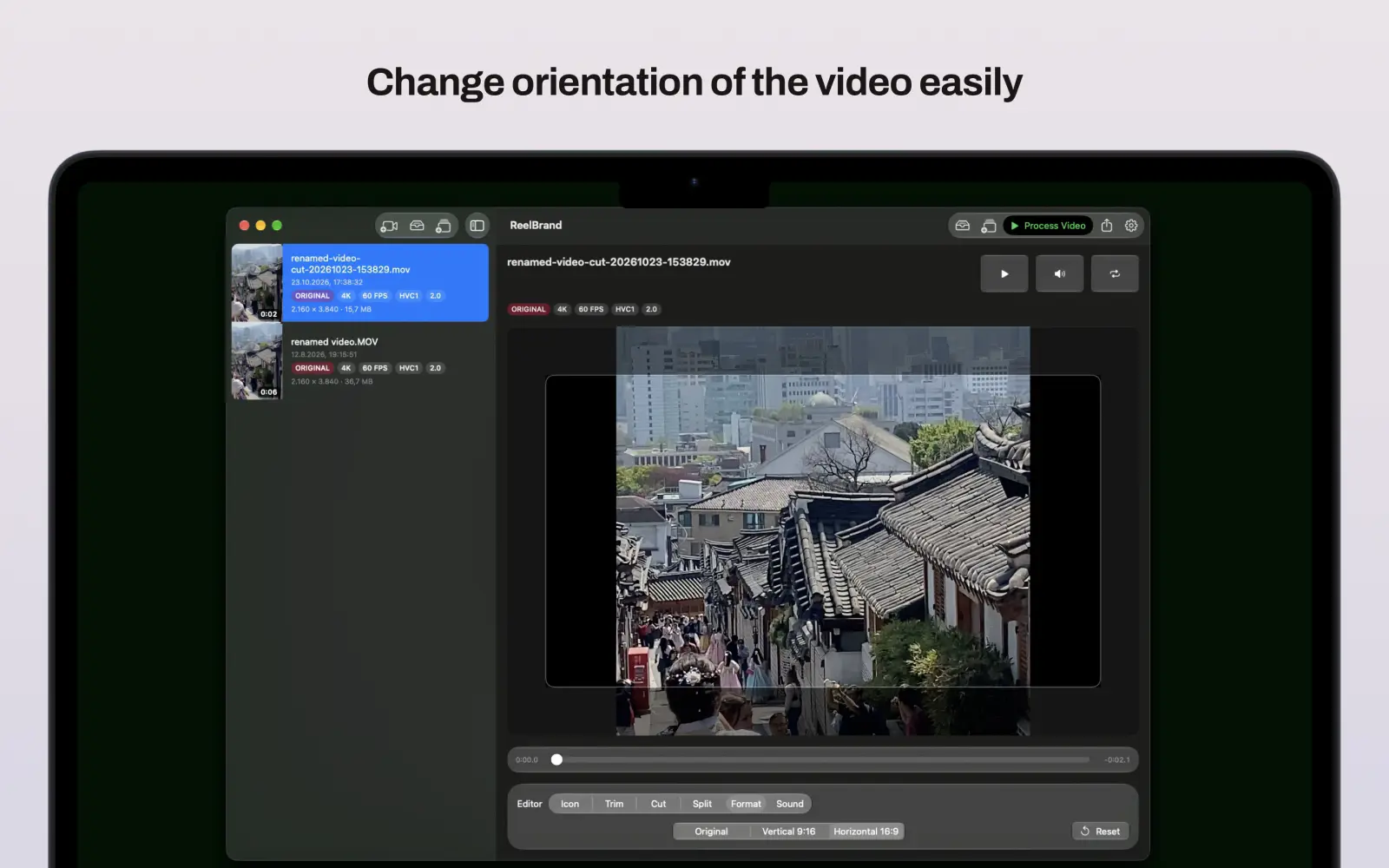
竖屏、横屏和方形格式各自保留已保存的标志位置。
无订阅——一次性购买即可移除片尾。
Reel Brand 专为需要快速输出品牌化片段的用户设计,而非又一套完整剪辑软件。
Reel Brand 的一切功能都为同一个目标服务:快速输出干净的品牌化成品。
Need a dependable Mac pipeline for 4K masters, Shorts-ready clips, and reusable brand assets? See Pro features and pricing →
Reel Brand 专注于一件事——带品牌标志的导出——而不是完整的剪辑套件或网页水印工具。
| 维度 | ReelBrand for Mac | Visual Watermark | Shutter Encoder | 网页工具(Watermarkly) |
|---|---|---|---|---|
| Native macOS / Metal | ✅ 支持(Apple Silicon) | ❌ Legacy Java | ⚠️ FFmpeg wrapper | ❌ Web browser |
| 100% 离线隐私保护 | ✅ 支持(0 字节上传) | ✅ Yes | ✅ Yes | ❌ 不支持(上传素材) |
| Split for Shorts | ✅ Yes | ❌ No | ❌ No | ❌ No |
| Smart Aspect Memory | ✅ 支持(9:16、16:9、1:1) | ❌ Manual | ❌ Manual | ❌ Manual |
| Pricing Model | One-Time ($12.99) | $29.95+ | Free (Complex UI) | $19.99/年 订阅 |
Keep your desktop workflow moving with permanent Pro access — no subscription.
Unlock Pro for €7.99ReelBrand 是一款适用于 Apple iOS、iPadOS 和 macOS 的设备端本地视频水印与品牌化应用。用户可直接叠加透明 PNG 标志、精准剪辑视频片段、自动分段导出 YouTube Shorts,并支持 4K HDR 批量导出,无需云端上传,无任何周期性订阅。
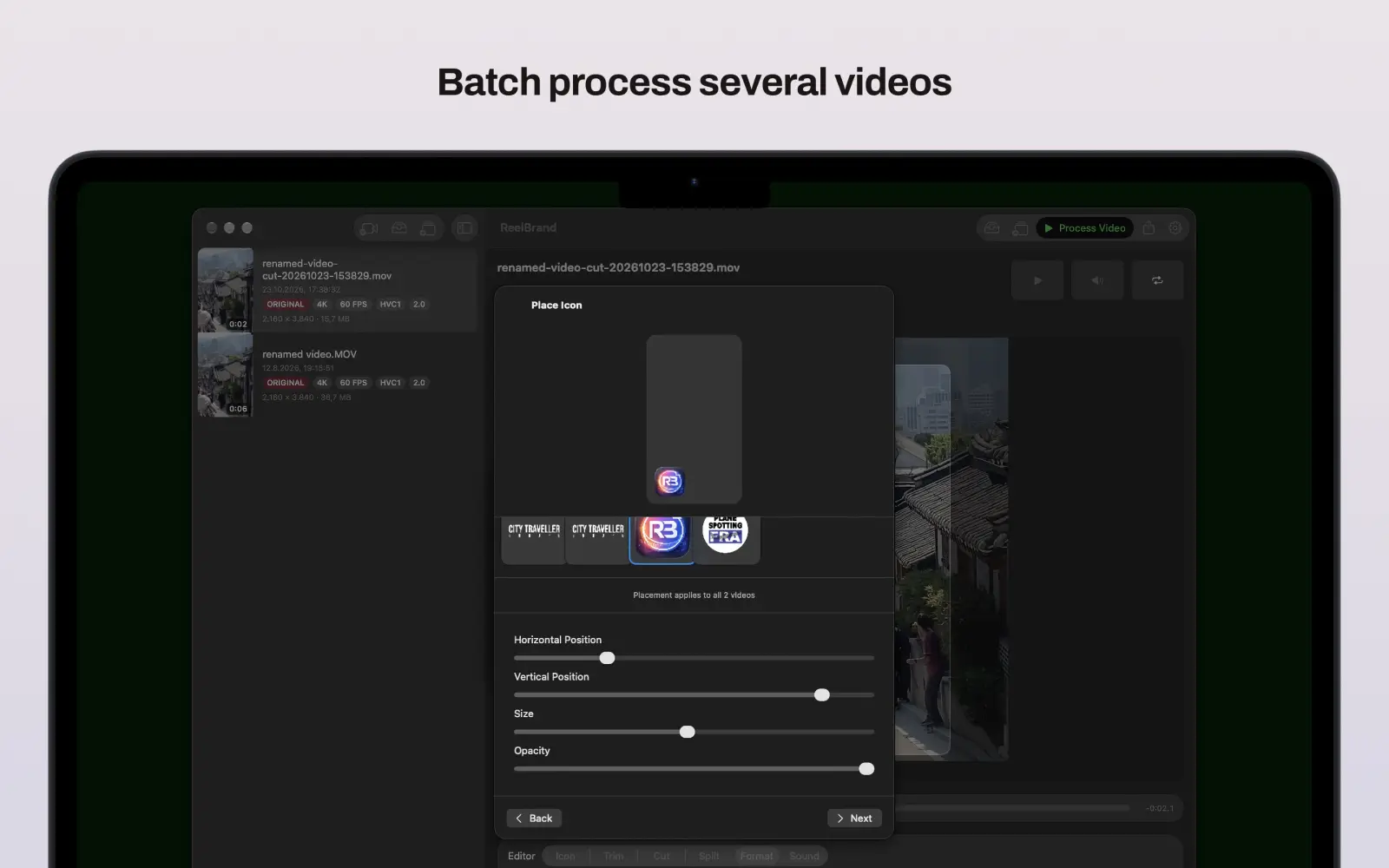
可以。ReelBrand 支持通过系统分享菜单或直接在应用内批量导入多个视频并排队处理,轻松实现 macOS 与 iOS 平台上的批量水印添加。
不需要。ReelBrand 无任何周期性订阅。基础功能完全免费,并提供可选的一次性 ReelBrand Pro Lifetime 终身买断,永久解锁 4K/1080p 导出、Shorts 自动切片、多片段拼接及 iCloud 多端同步。
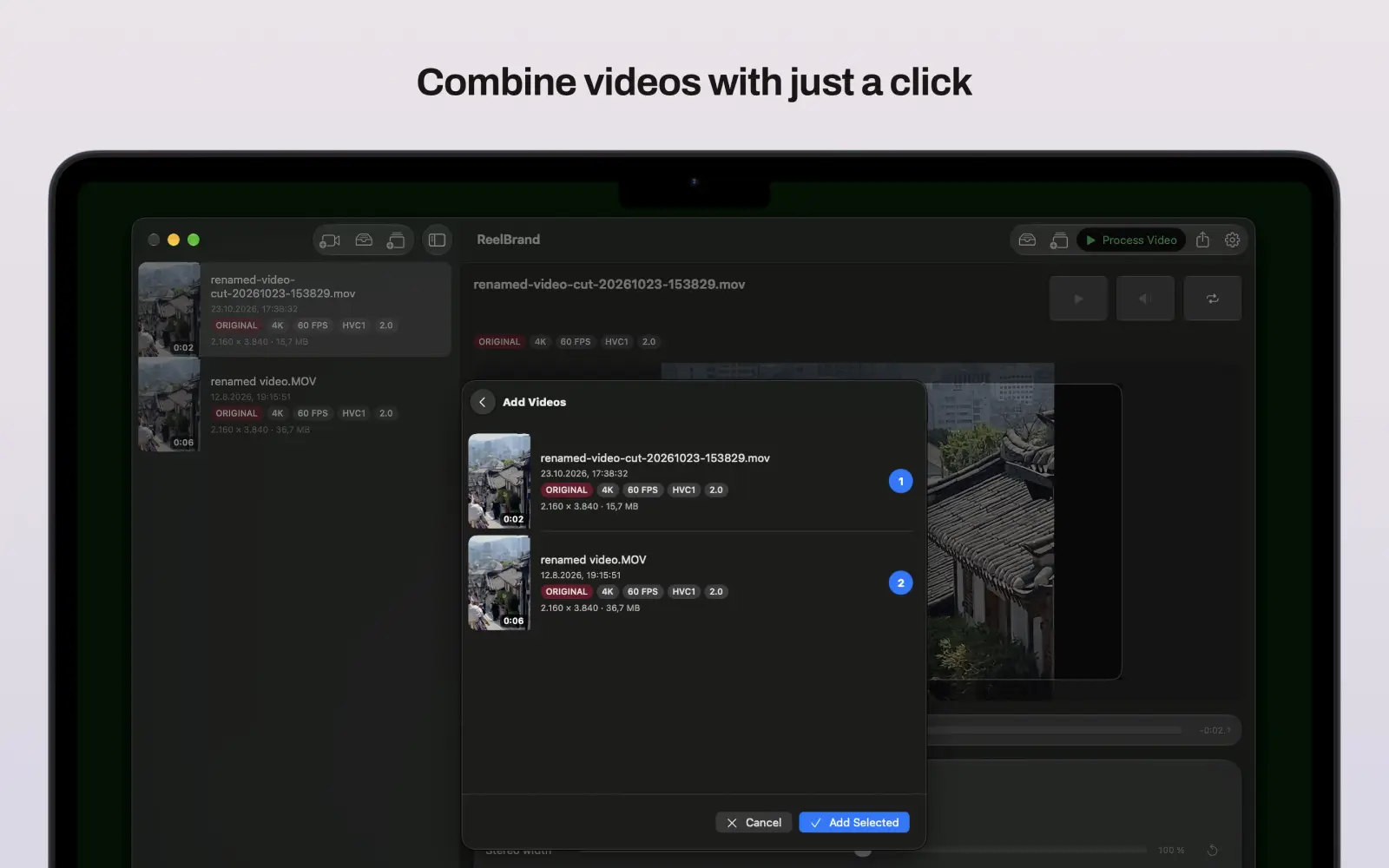
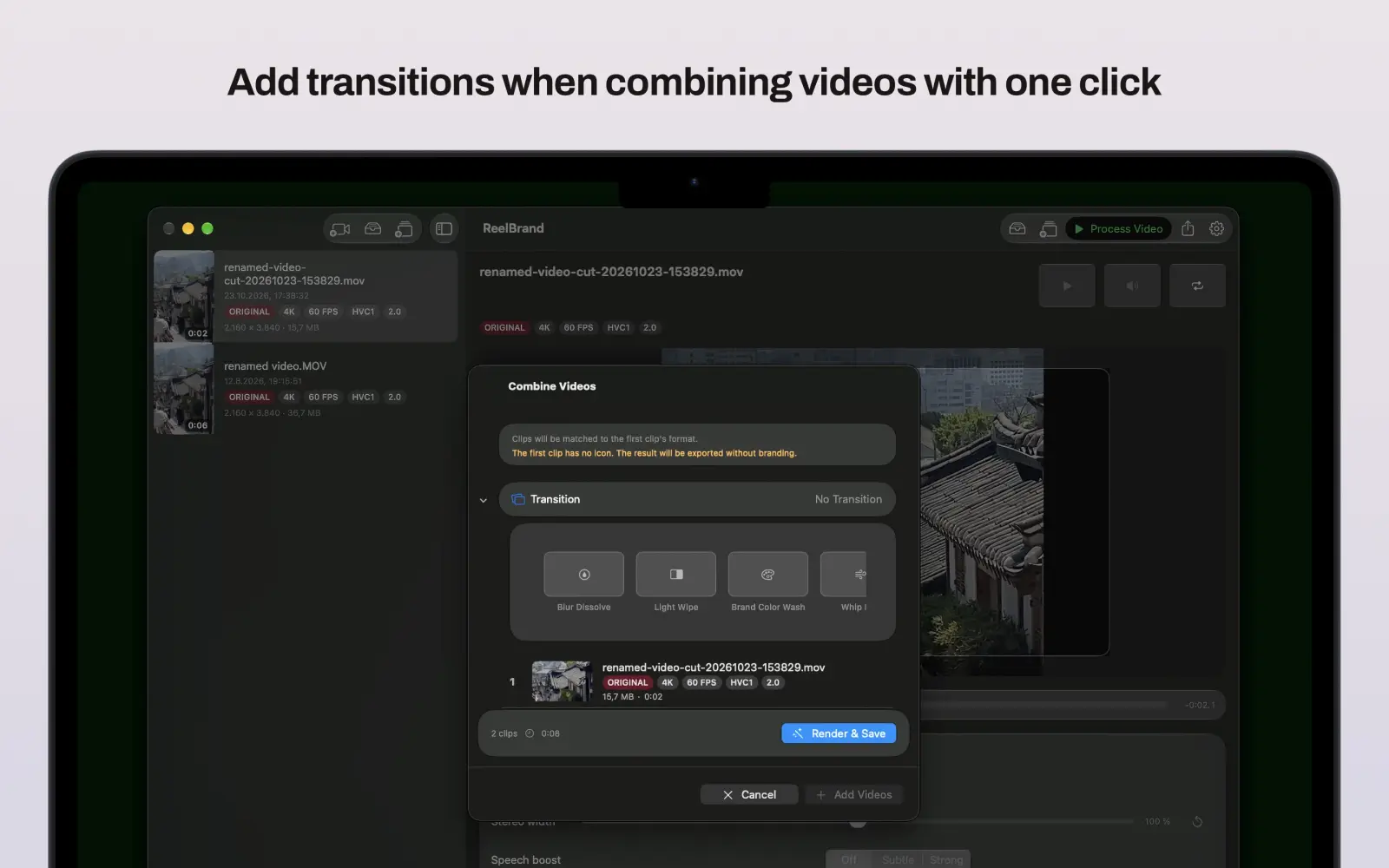
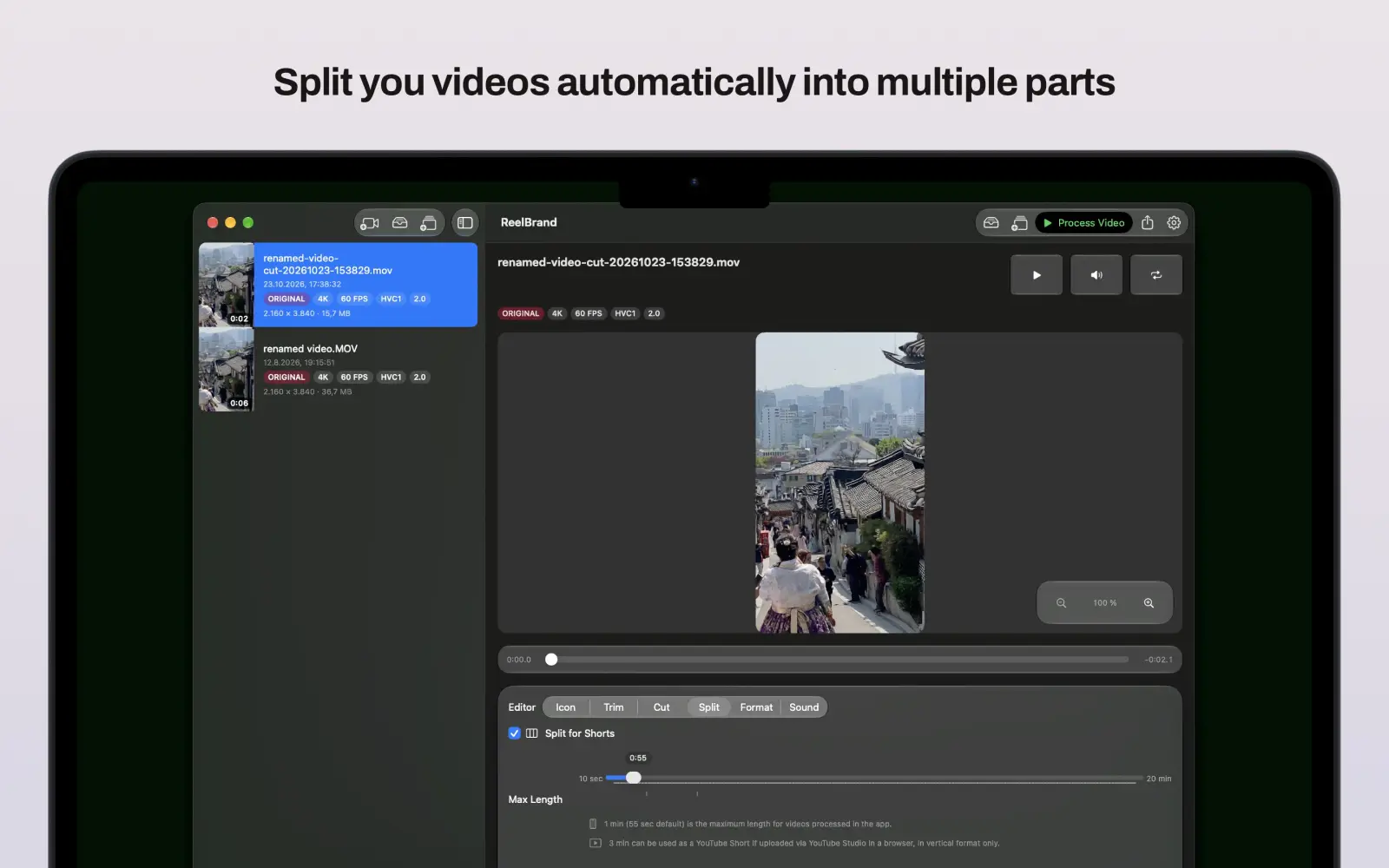
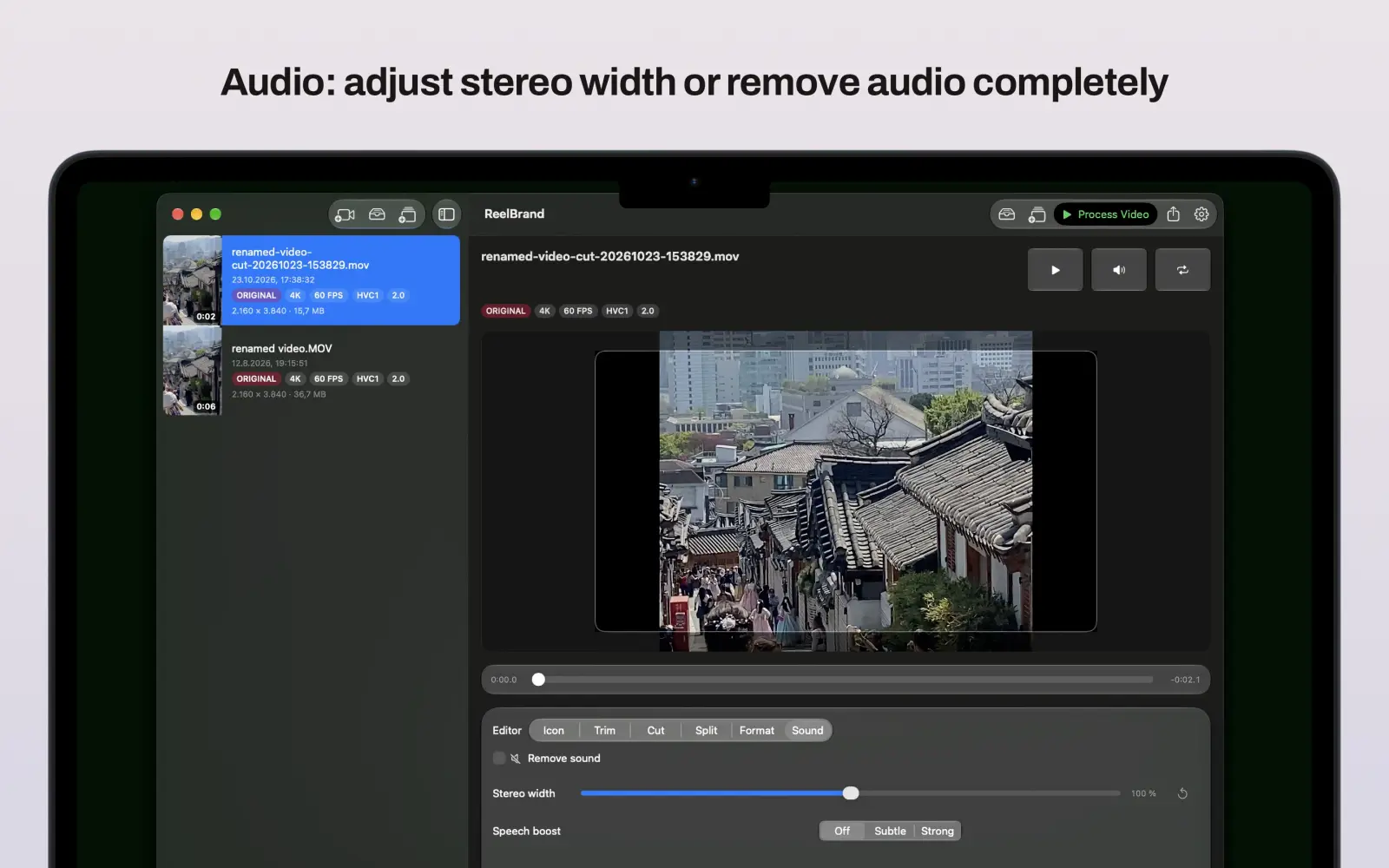
ReelBrand Pro Lifetime 一次性买断可永久解锁 4K 超高清及 1080p 高清导出预设、YouTube Shorts 自动分段切片、带转场特效的多片段拼接、iCloud 图标库同步以及高级音频调优。
支持。得益于 Apple Metal GPU 硬件加速,SDR 与 HDR 导出均能完整保留原始画质与色彩表现,绝不泛白失真。
会。竖屏、横屏与正方形画幅均会自动独立保存对应图标位置与透明度,并通过 iCloud 跨设备无缝同步。
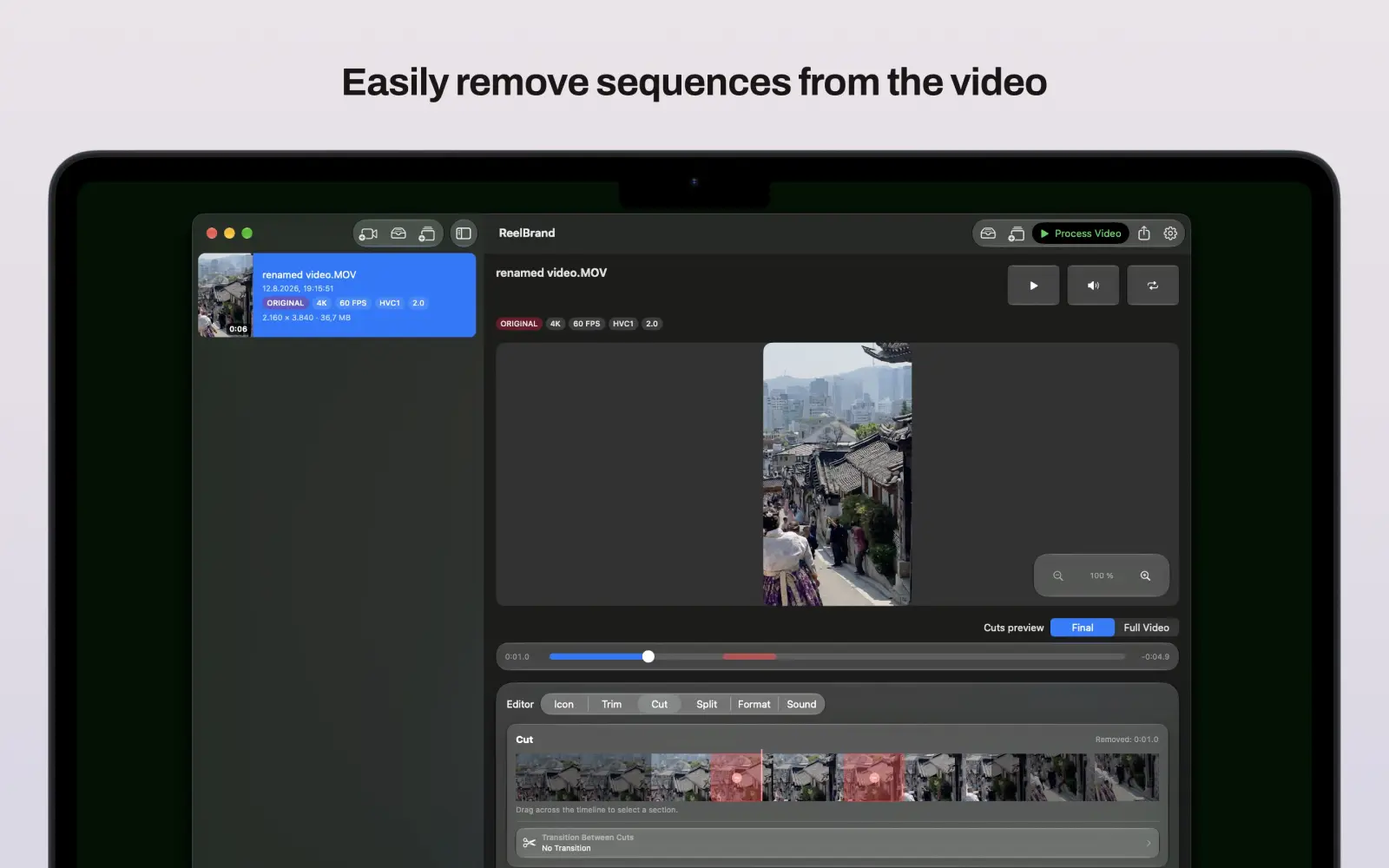
可以。内置双滑块时间轴剪辑器支持帧级精准裁剪。升级至 ReelBrand Pro Lifetime 后,还可自动切片 YouTube Shorts 并使用淡入淡出、光晕等转场拼接多段视频。
不会。ReelBrand 100% 本地设备端运行,零跟踪、零分析数据收集、无云端上传,亦无需注册账户。
Mac 应用可免费下载和试用。ReelBrand Pro Lifetime 是一次性 7.99€ 应用内购买,Apple 会在您确认前显示该价格。
Apple 负责处理 App Store 和应用内计费。请通过 reportaproblem.apple.com 提交退款请求;Apple 将根据其现行政策决定资格。
由于处理在您的 Mac 上进行,因此没有网站上传上限。实际限制取决于可用存储空间、内存、片段长度和源格式。
ReelBrand 接受从 Finder 和照片打开的常见视频,包括 H.264 和 HEVC/H.265 来源。720p、1080p 和 4K 输出取决于来源和 Mac 硬件。

RESOURCES & HOW-TOS
Practical workflows, step-by-step guides, and deep dives to help you get the most out of Reel Brand for Mac.
Most watermarking tools ask you to upload your footage first. Here is what on-device 4K and HDR processing actually means, what it protects, and where its limits are.
Reel Brand 2.0 is here, and it's our biggest update yet: multi-clip video merging, automatic Split for Shorts, 4K export, iCloud icon sync, audio tools, and ReelBrand Pro Lifetime.
Add your logo or watermark to any video on Mac, iPhone, or iPad in seconds — with precise placement, saved positions, and clean exports. Step-by-step guide.
如需建议功能、报告问题,或告诉我们如何让 Reel Brand 更好用,随时发送消息。
iOS 与 macOS 版 Reel Brand 的版本说明。