
Watermarking 4K and HDR Video Without Uploading It Anywhere
Most watermarking tools ask you to upload your footage first. Here is what on-device 4K and HDR processing actually means, what it protects, and where its limits are.
数秒でクリップにブランドを
macOS の Finder にあるクリップを統一感のある動画に変換。ロゴ設定を再利用し、キューを処理しながら作業を続けられます。
One payment, permanent access Download the core app free. Unlock ReelBrand Pro Lifetime for one €7.99 payment — with no monthly bill.

Reel Brand は iPhone・iPad・Mac 向けのネイティブ動画ブランディングアプリです。PNG ロゴをどんな動画にも正確に重ね、フォーマットごとに位置を記憶し、数秒で書き出します——サブスクも追跡もアカウントも不要です。
読み込み、ロゴ配置、書き出し——タイムライン編集は不要。
縦・横・正方形の各フォーマットがそれぞれ保存されたロゴ位置を保持。
サブスクなし——一度の買い切りでアウトロを削除できます。
Reel Brand は完全な編集スイートではなく、素早くブランド付きクリップを仕上げたい人のために作られています。
Reel Brand のすべての機能は一つの目的に絞られています:クリーンなブランド書き出しを素早く。
Need a dependable Mac pipeline for 4K masters, Shorts-ready clips, and reusable brand assets? See Pro features and pricing →
Reel Brand はフル編集スイートやウェブの透かしツールではなく、ブランド入り書き出しというひとつの作業に集中しています。
| 観点 | ReelBrand for Mac | Visual Watermark | Shutter Encoder | ウェブツール(Watermarkly) |
|---|---|---|---|---|
| Native macOS / Metal | ✅ 対応(Apple Silicon) | ❌ Legacy Java | ⚠️ FFmpeg wrapper | ❌ Web browser |
| 100%オフラインプライバシー | ✅ 対応(0バイトアップロード) | ✅ Yes | ✅ Yes | ❌ 非対応(映像をアップロード) |
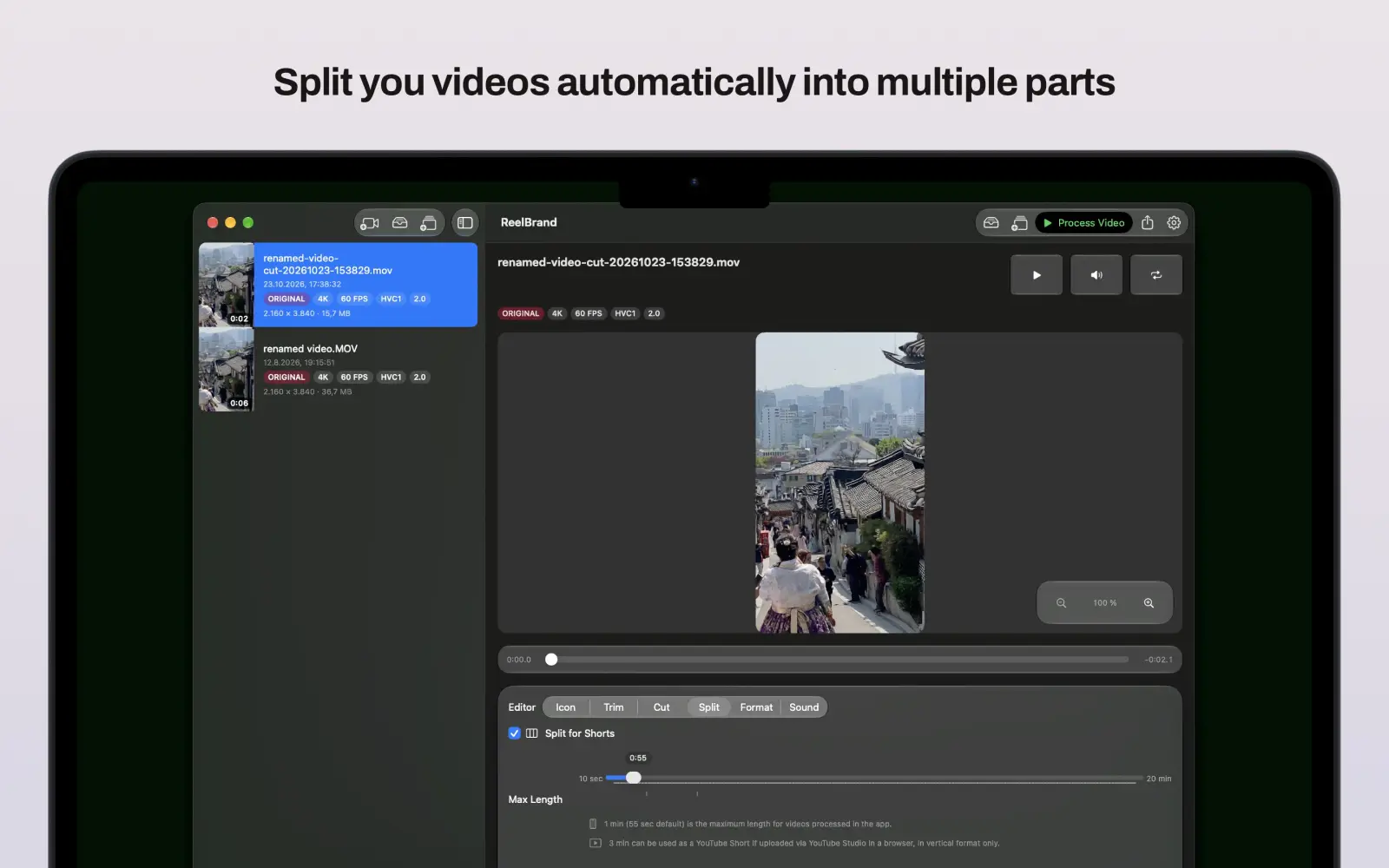
| Split for Shorts | ✅ Yes | ❌ No | ❌ No | ❌ No |
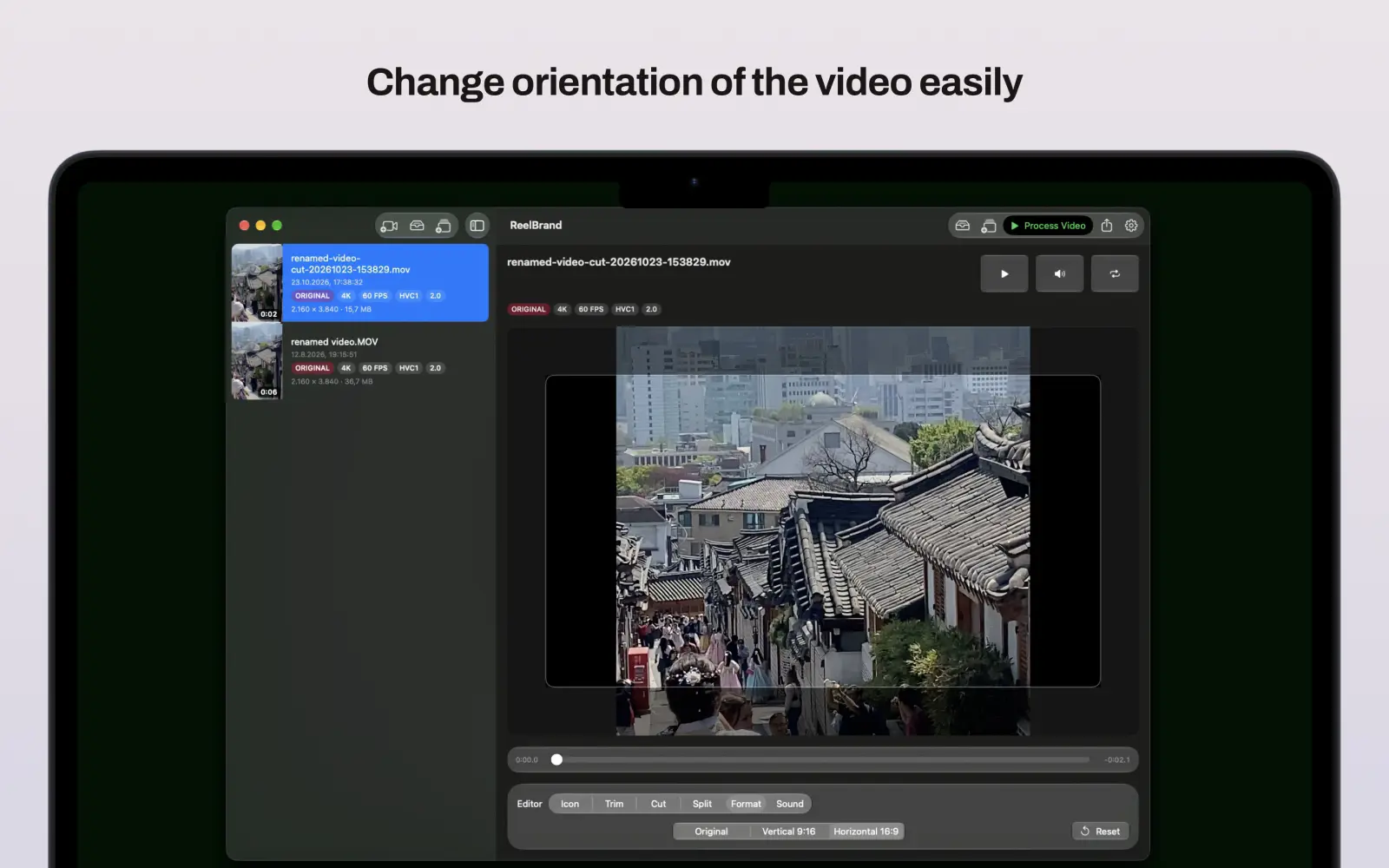
| Smart Aspect Memory | ✅ 対応(9:16、16:9、1:1) | ❌ Manual | ❌ Manual | ❌ Manual |
| Pricing Model | One-Time ($12.99) | $29.95+ | Free (Complex UI) | $19.99/年 サブスクリプション |
Keep your desktop workflow moving with permanent Pro access — no subscription.
Unlock Pro for €7.99ReelBrandは、Apple iOS、iPadOS、macOS向けのデバイス完結型ビデオ透かし&ブランディングアプリです。透明なPNGロゴのオーバーレイ、映像のトリミング、YouTube Shorts用動画分割、4K HDRの一括書き出しをクラウドへのアップロードや定期購読なしで実行できます。
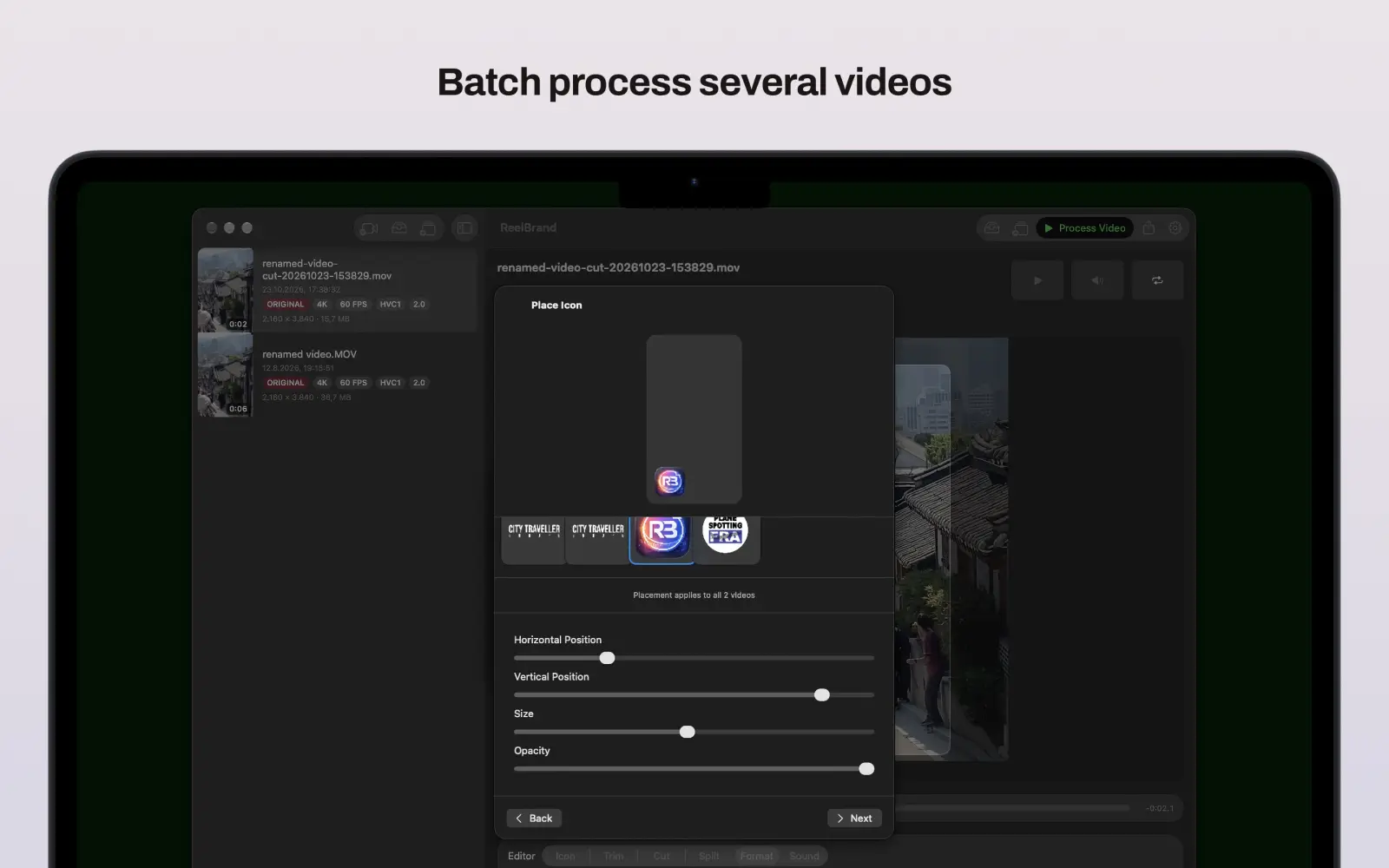
はい。ReelBrandでは共有シートやアプリから複数の動画を一度にキューに追加し、macOSおよびiOSでまとめて透かしを追加できます。
いいえ。ReelBrandは完全買い切り(または無料)でサブスクリプションはありません。ReelBrand Pro Lifetimeを1回購入するだけで、4K/1080p書き出し、Shorts分割、動画結合、iCloud同期を永久アンロックできます。
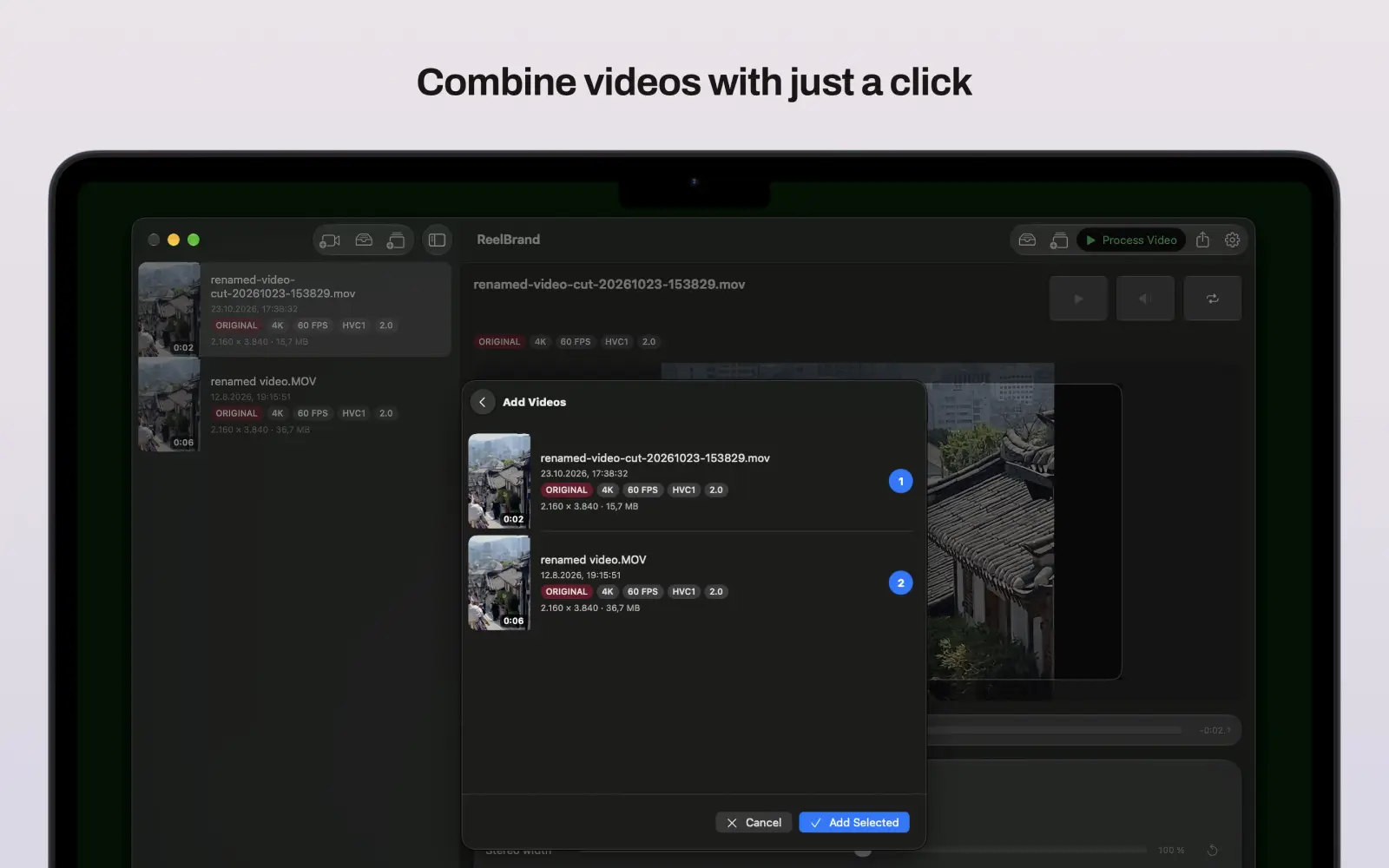
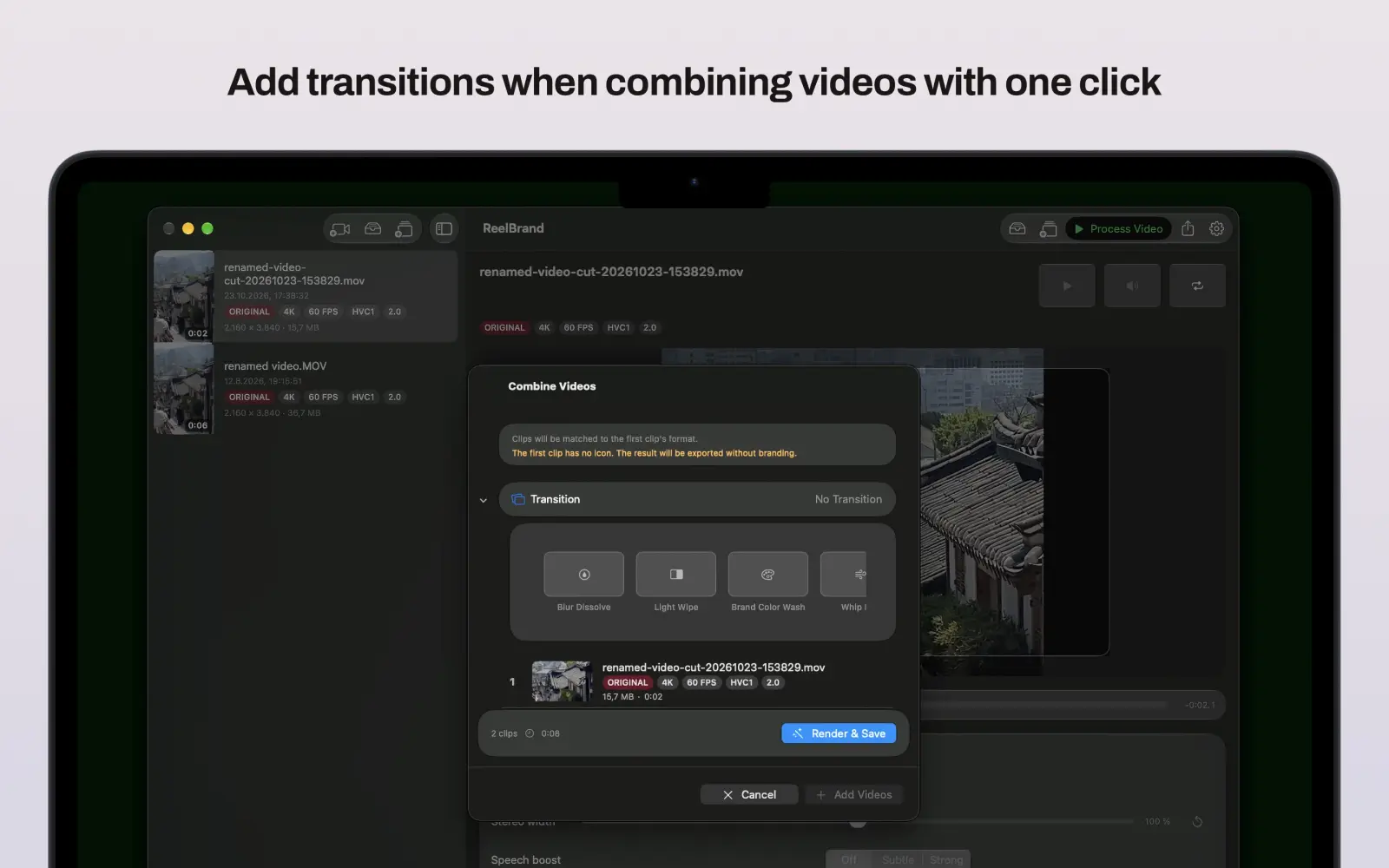
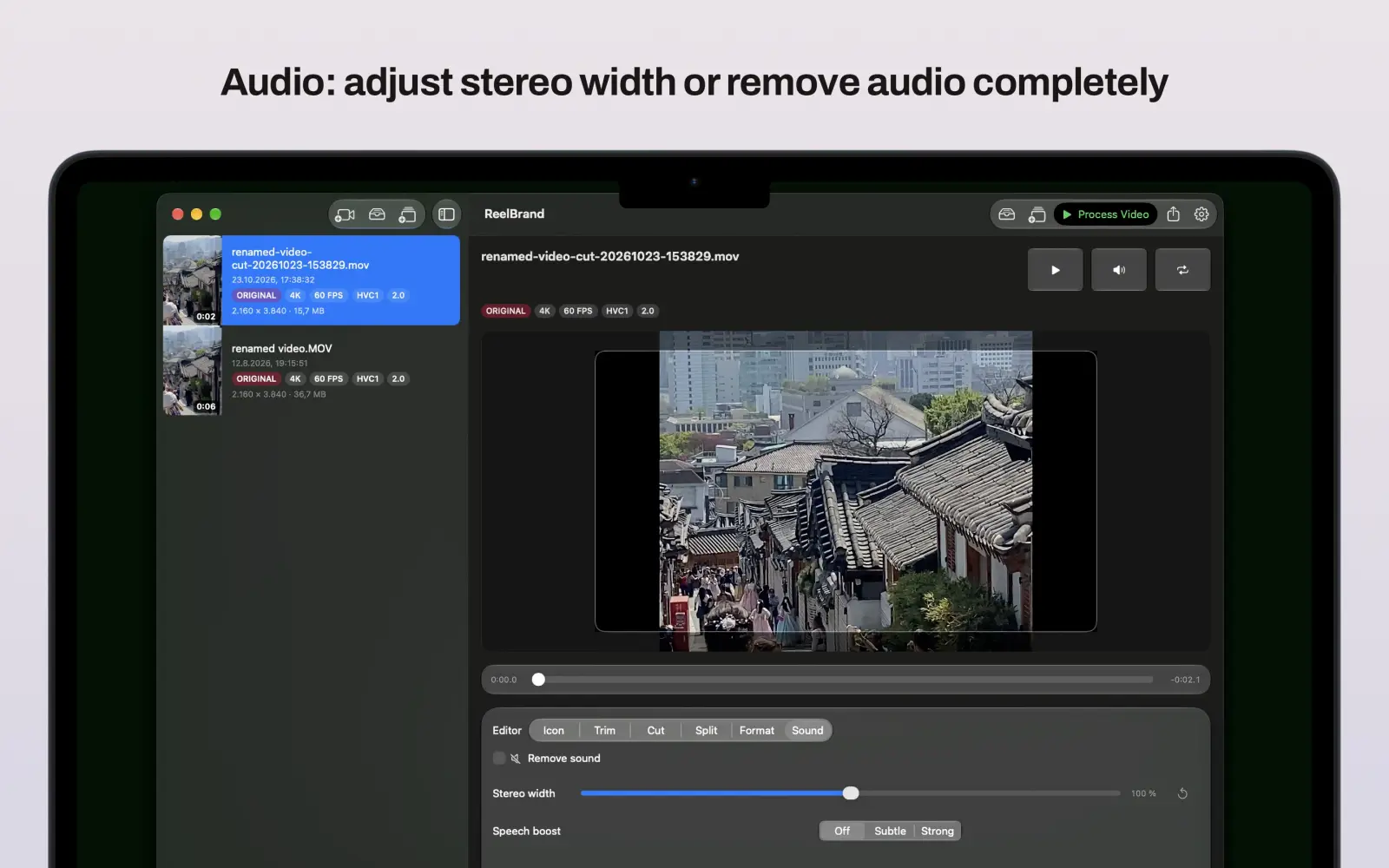
ReelBrand Pro Lifetimeは、4K UHDおよび1080pエクスポート、YouTube Shorts自動分割、トランジション付きクリップ結合、iCloudアイコン同期、高度なオーディオ設定をアンロックします。
はい。Apple Metal GPUレンダリングにより、SDRおよびHDR動画の本来の色鮮やかさと画質を損なわずに書き出せます。
はい。縦画面、横画面、正方形フォーマットごとにロゴの位置が保存され、iCloud経由で同期されます。
はい。サムネイル付きトリムエディタでカットでき、ReelBrand Pro LifetimeではShorts用分割やトランジション付きの結合も可能です。
いいえ。ReelBrandは100%デバイス上でローカル動作し、トラッキング、アナリティクス、クラウドアップロード、アカウント登録は一切不要です。
Mac版アプリのダウンロードと試用は無料です。ReelBrand Pro Lifetimeは確認前にAppleが表示する7.99€の一回限りのアプリ内課金です。
App Storeおよびアプリ内課金の請求はAppleが処理します。reportaproblem.apple.comから返金を申請してください。適格性はAppleの現行ポリシーにより決まります。
処理はMac上で行われるため、ウェブサイトへのアップロード上限はありません。実用的な上限は利用可能なストレージ、メモリ、クリップの長さ、ソース形式によって決まります。
ReelBrandはFinderと写真から開いた一般的な動画に対応しており、H.264およびHEVC/H.265のソースも含まれます。720p、1080p、4Kの出力はソースとMacのハードウェアによって異なります。
RESOURCES & HOW-TOS
Practical workflows, step-by-step guides, and deep dives to help you get the most out of Reel Brand for Mac.
Most watermarking tools ask you to upload your footage first. Here is what on-device 4K and HDR processing actually means, what it protects, and where its limits are.
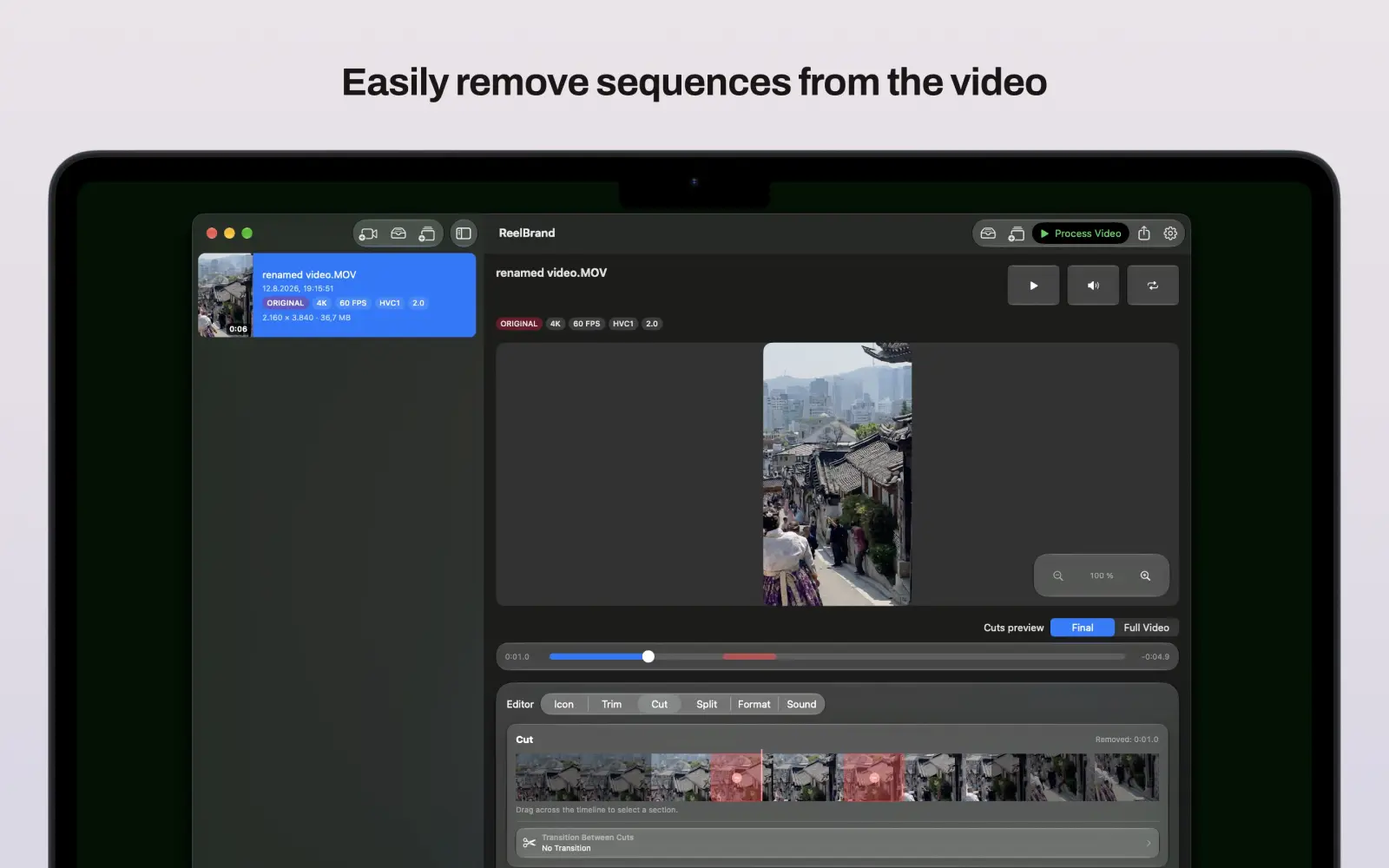
Reel Brand 2.0 is here, and it's our biggest update yet: multi-clip video merging, automatic Split for Shorts, 4K export, iCloud icon sync, audio tools, and ReelBrand Pro Lifetime.
Add your logo or watermark to any video on Mac, iPhone, or iPad in seconds — with precise placement, saved positions, and clean exports. Step-by-step guide.
機能リクエスト、問題の報告、または Reel Brand をさらに便利にするためのご意見があれば、いつでもメッセージをお送りください。
iOS および macOS 版 Reel Brand のリリースノート。