
Brand every clip in seconds
Add your logo to any video on iPhone, iPad, and Mac.
Reel Brand lets you drop in a PNG icon, position it precisely, remember the layout for each video format, and export without touching a timeline editor.
iPhone
iPad
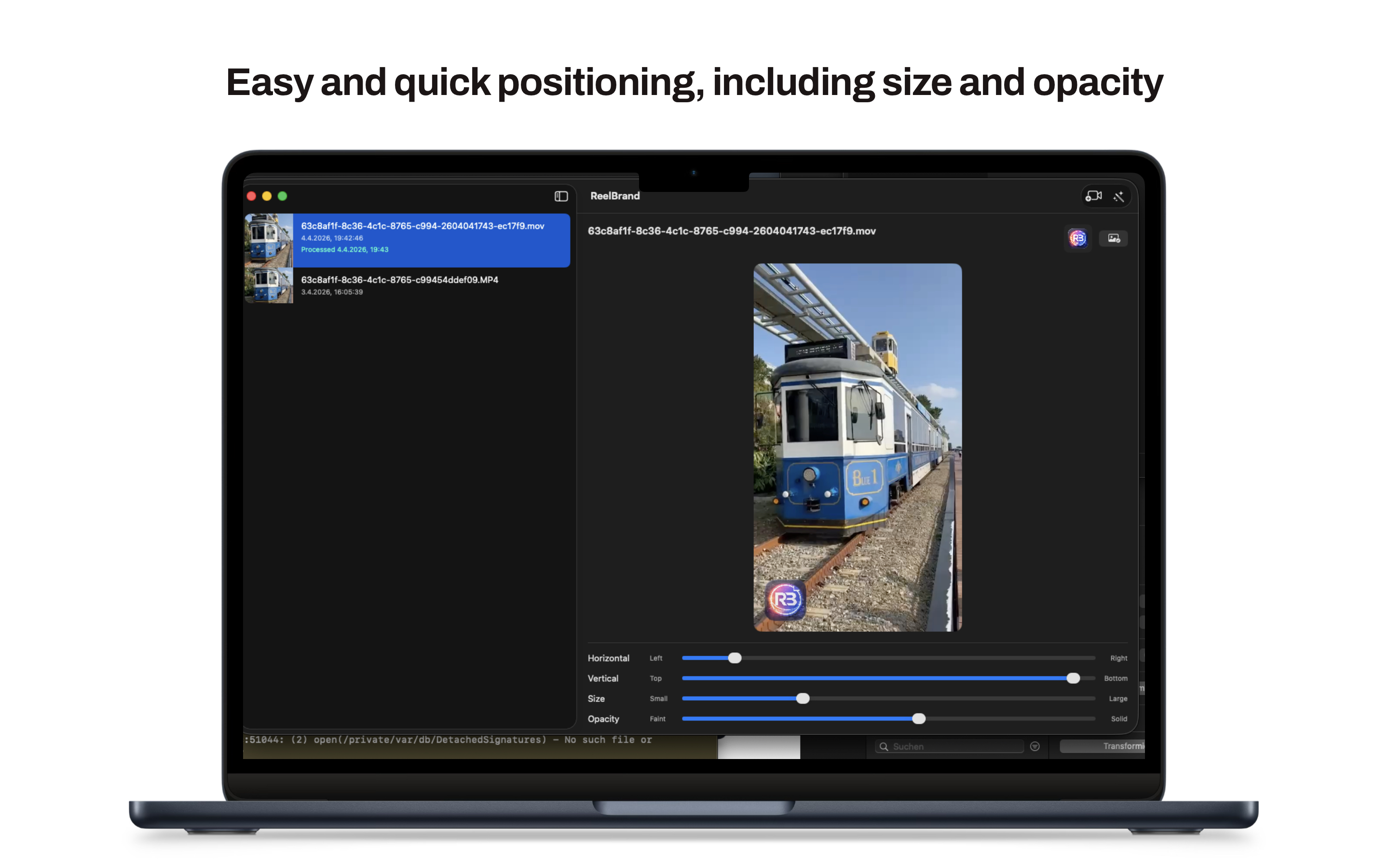
Mac

A focused workflow from import to export
Reel Brand is designed for people who need branded clips quickly, not another full editing suite.
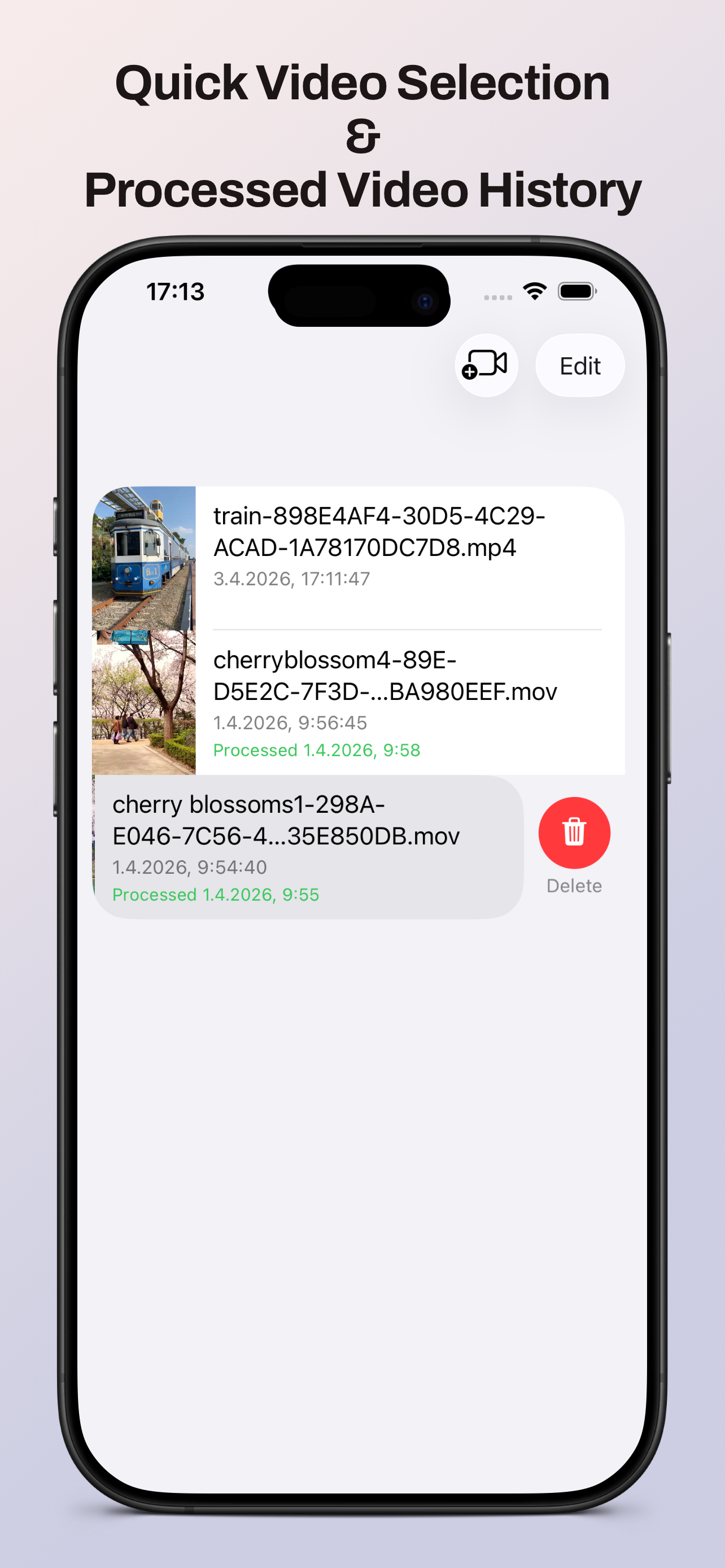
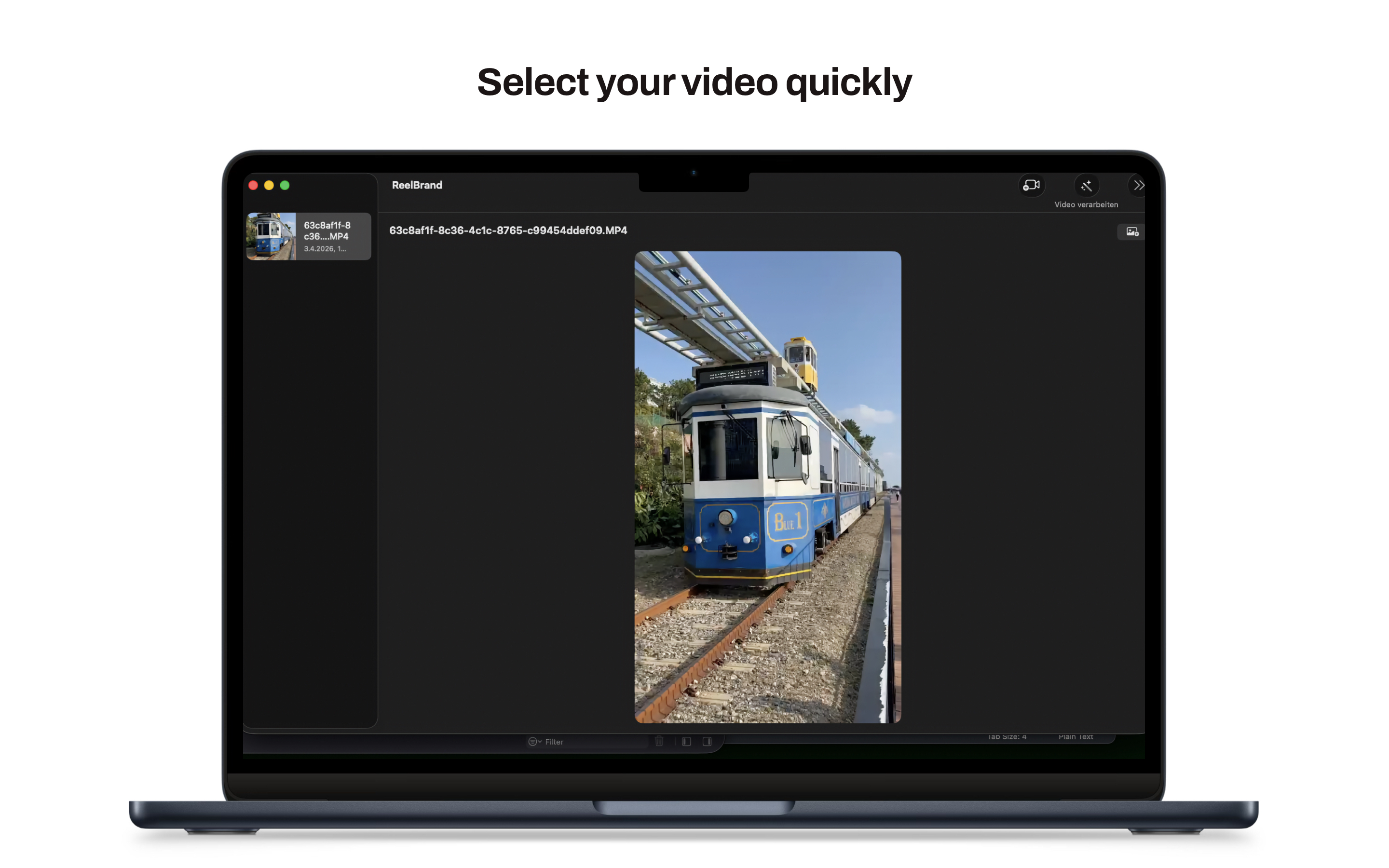
- 1 Import a video from Photos or Files.
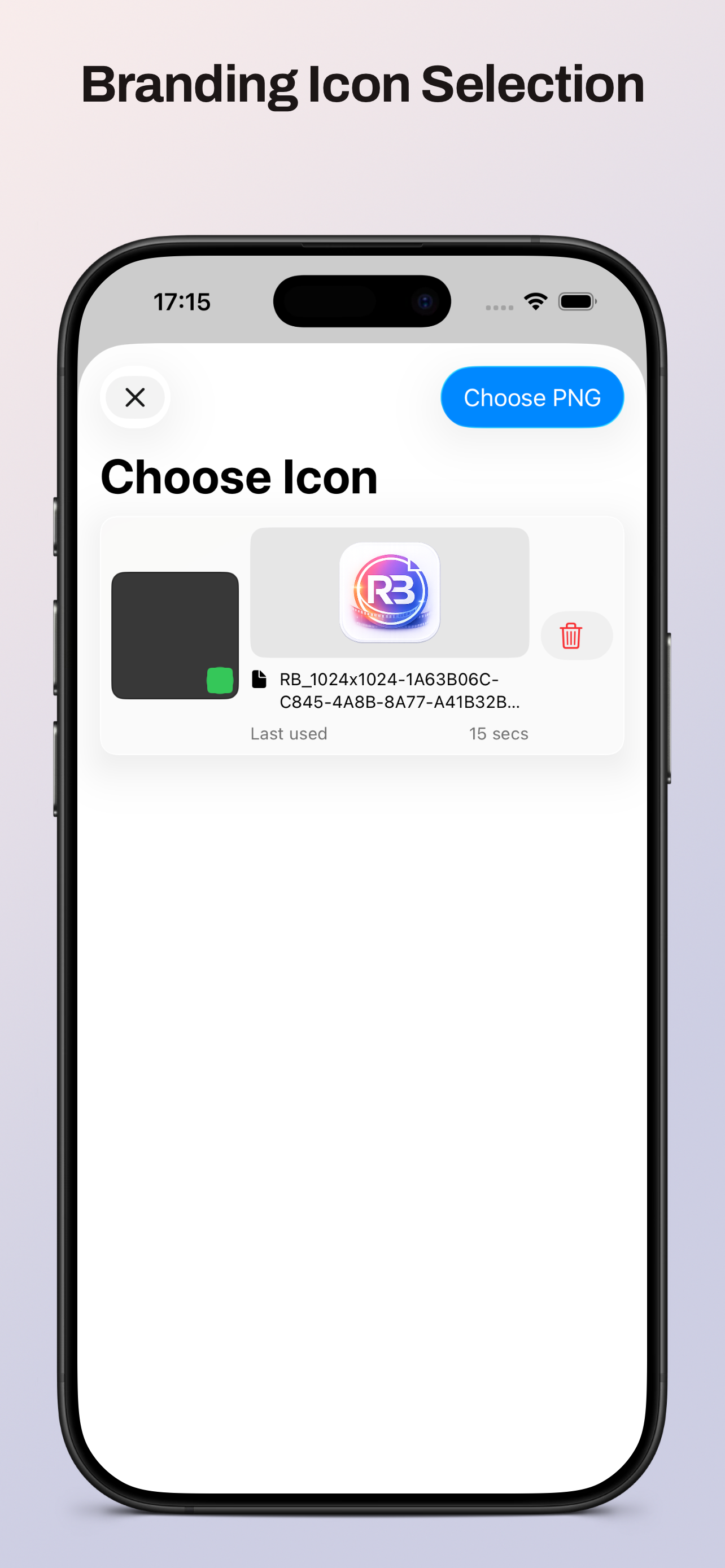
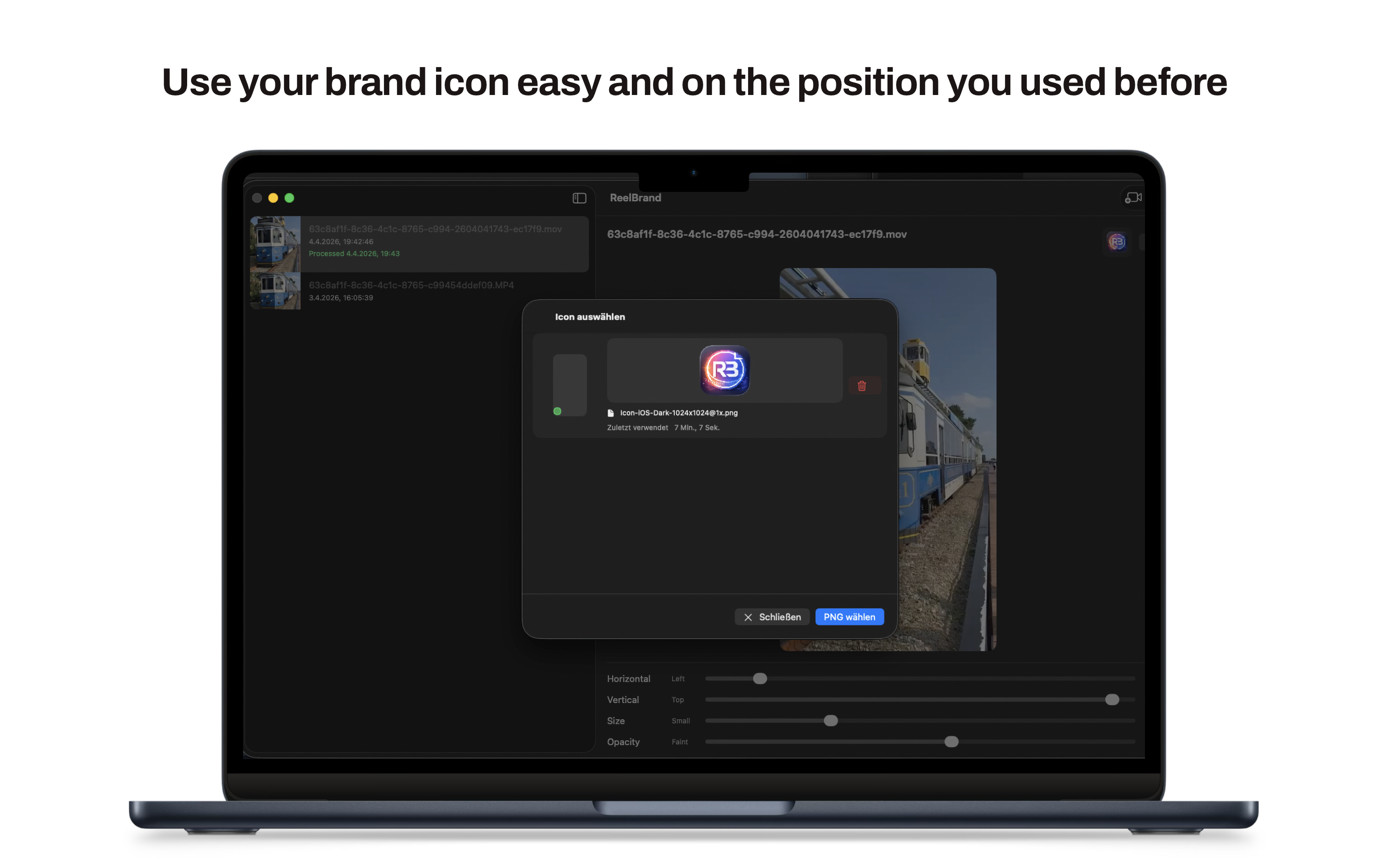
- 2 Choose or import your PNG brand icon.
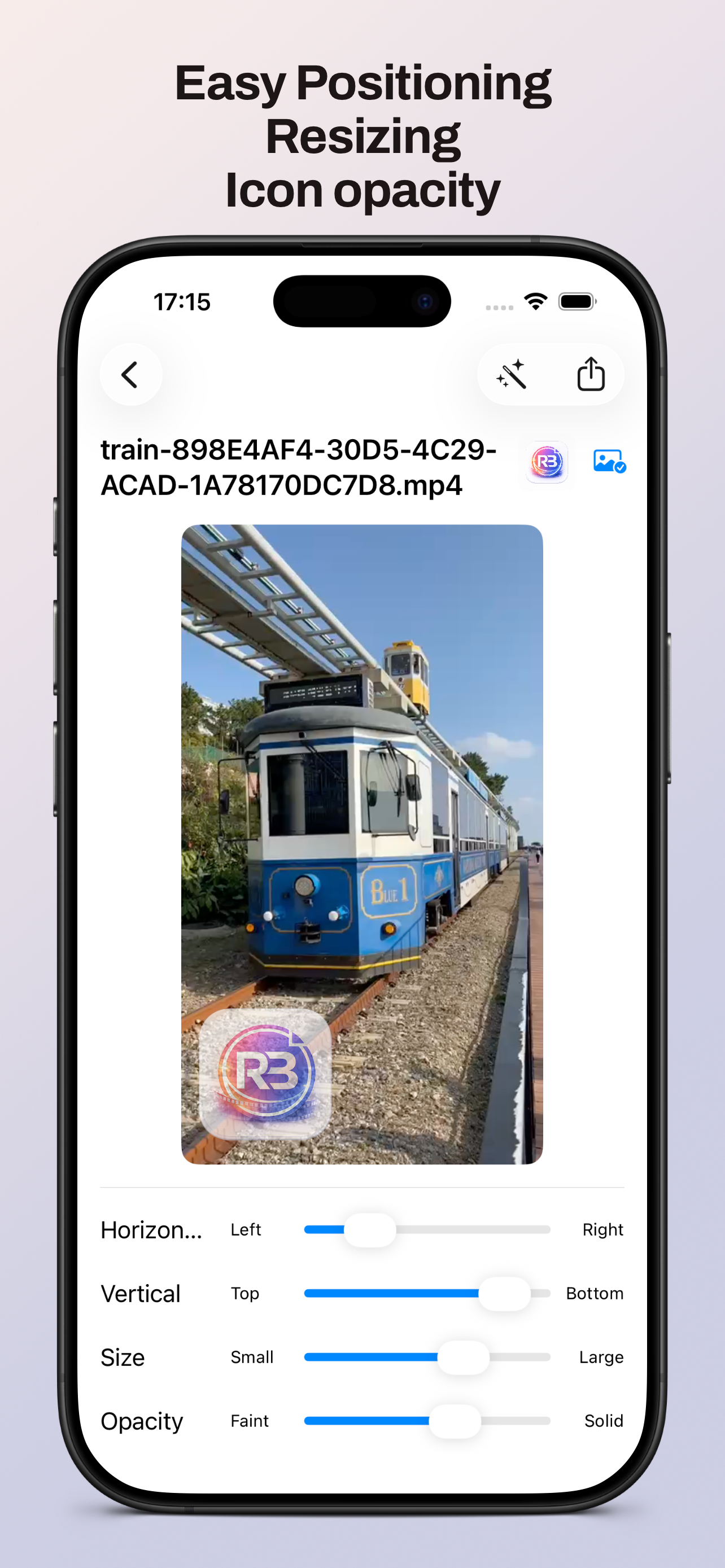
- 3 Drag, resize, and tune opacity until the placement is right.
- 4 Process the clip and share the branded result.
Built for repeatable video branding
Everything in Reel Brand is tuned for one job: getting a clean branded export out fast.
- One-tap overlay Drop your logo onto any clip with precise position and size controls.
- Placement memory Portrait, landscape, and square formats keep their own saved logo positions.
- Opacity control Make your brand mark subtle or bold depending on the content.
- HDR-aware export Keep the original look of your footage instead of flattening it.
- Shared Apple workflow Use the same simple process on iPhone, iPad, and Mac.
- Share Extension Send videos straight into Reel Brand from Photos and other apps.
Who it is for
- Creators Keep posts consistent across reels, shorts, and client videos.
- Small businesses Brand product and behind-the-scenes clips without agency tools.
- Social teams Handle multiple aspect ratios without resetting your logo each time.
- Anyone in a hurry Skip timeline editing when all you need is a branded export.
See the app across every device
The interface stays centered on one task: choose an icon, place it, process the video, and share.
iPhone and iPad
Mac
No subscriptions. No surveillance.
- No subscriptions
- No tracking
- No analytics
- No spying
Questions or feedback?
If you want to request features, report issues, or tell us what would make Reel Brand more useful, send a message anytime.
- Email support development@thelittlebakery.org
- Typical response time within 2 business days